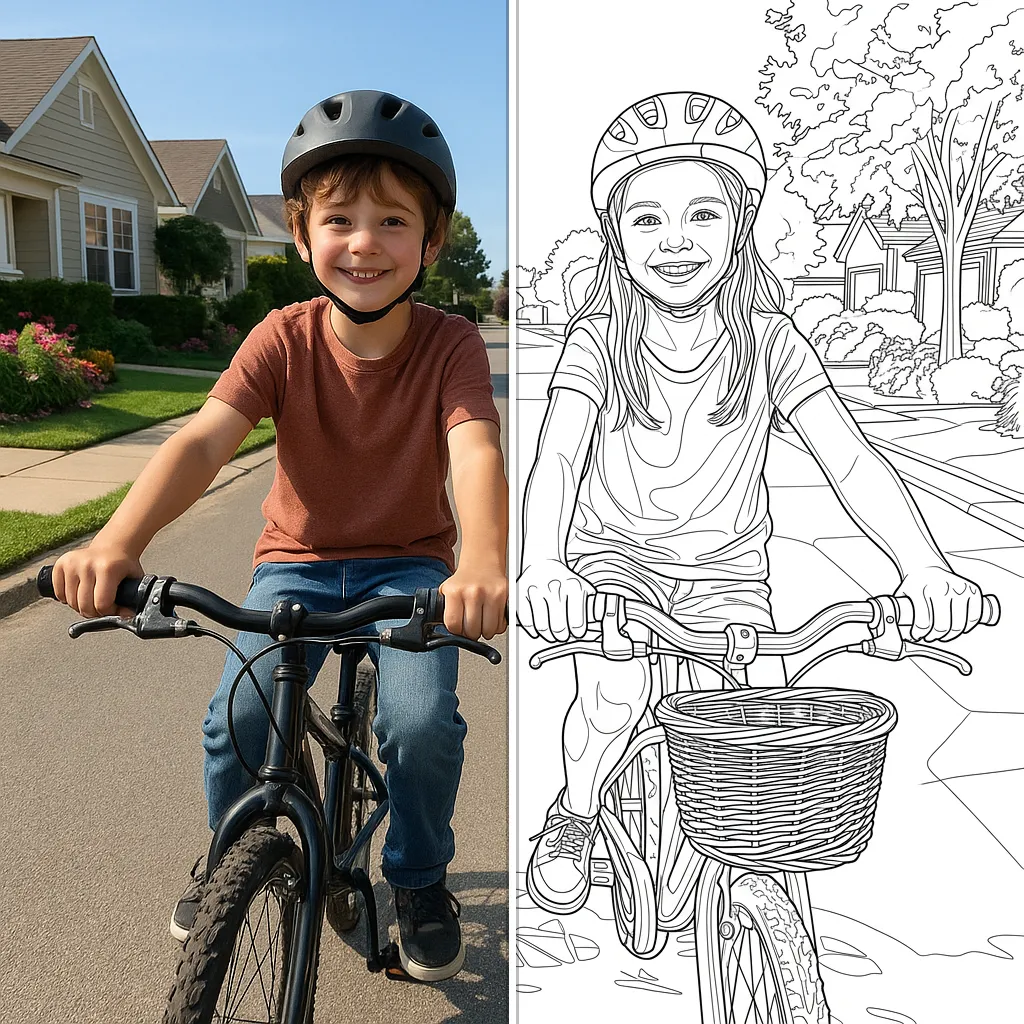
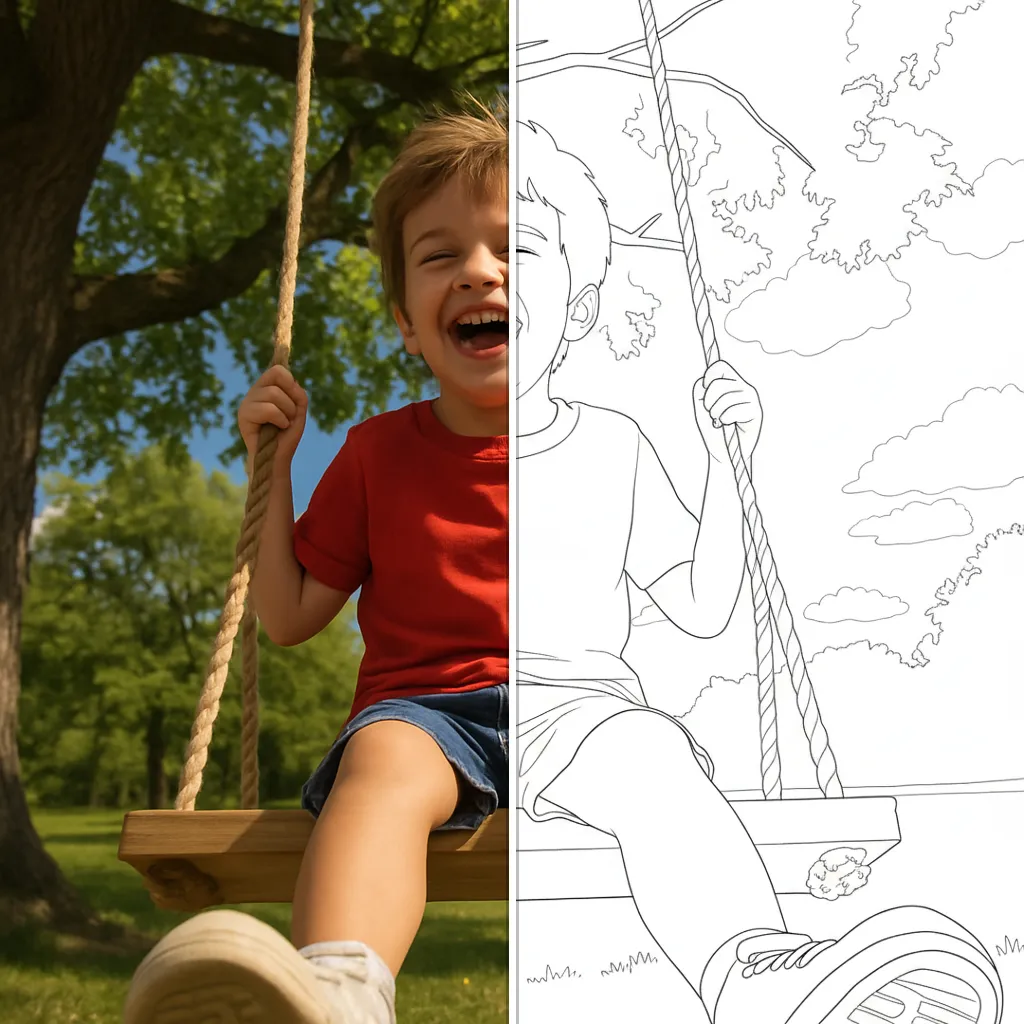
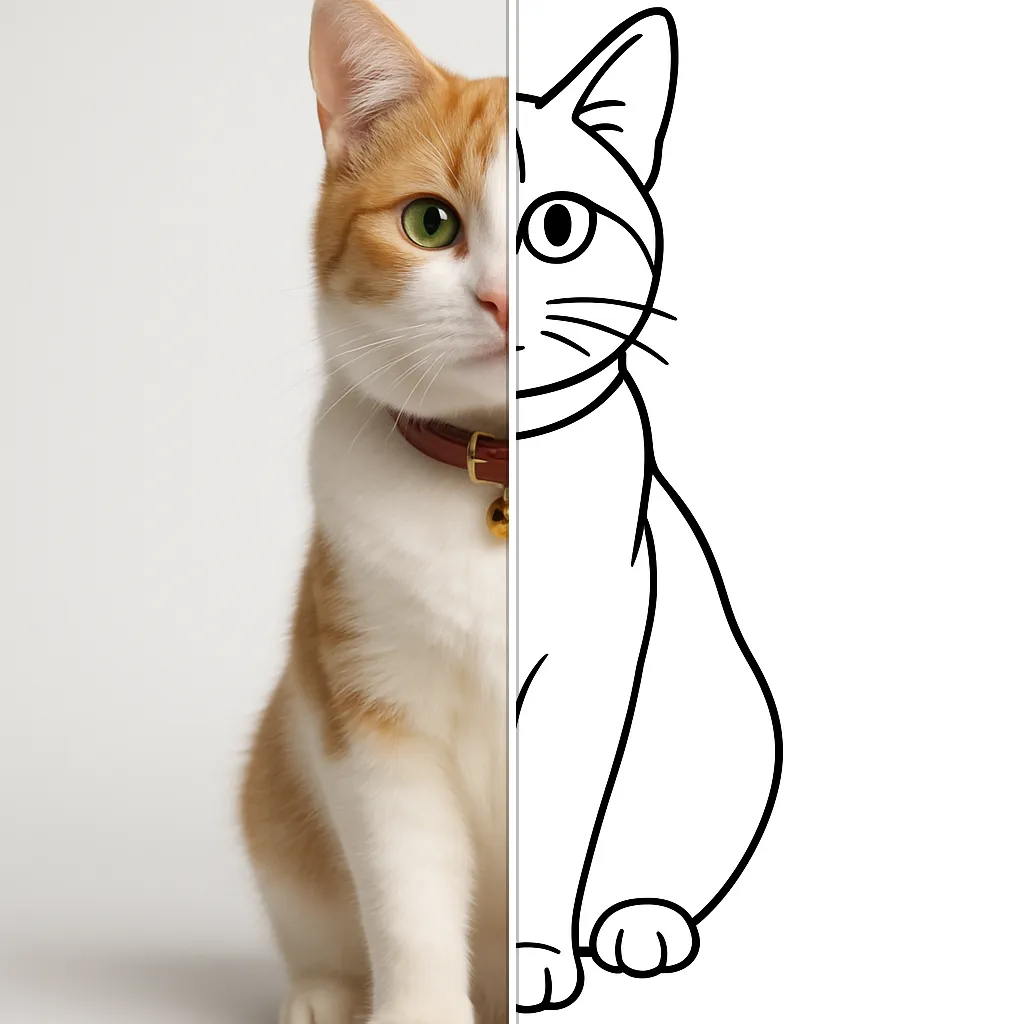
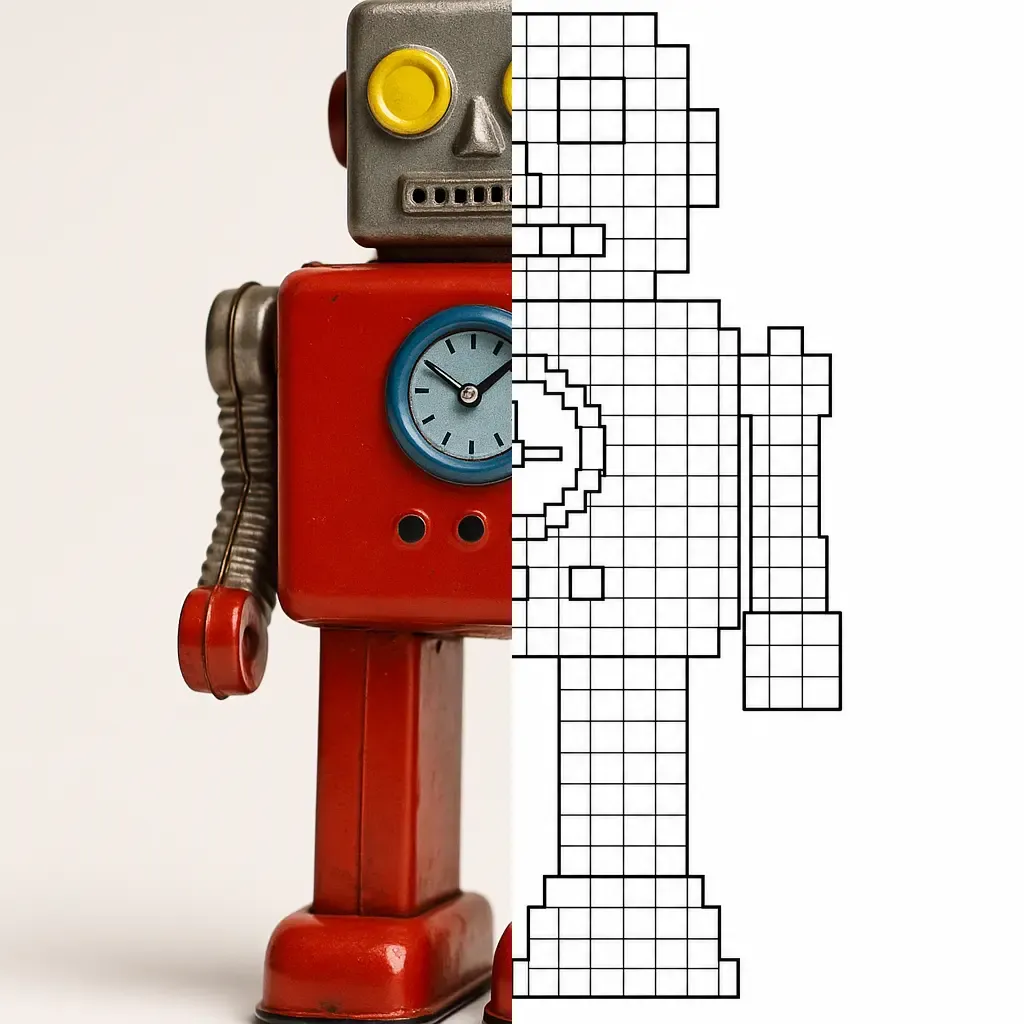
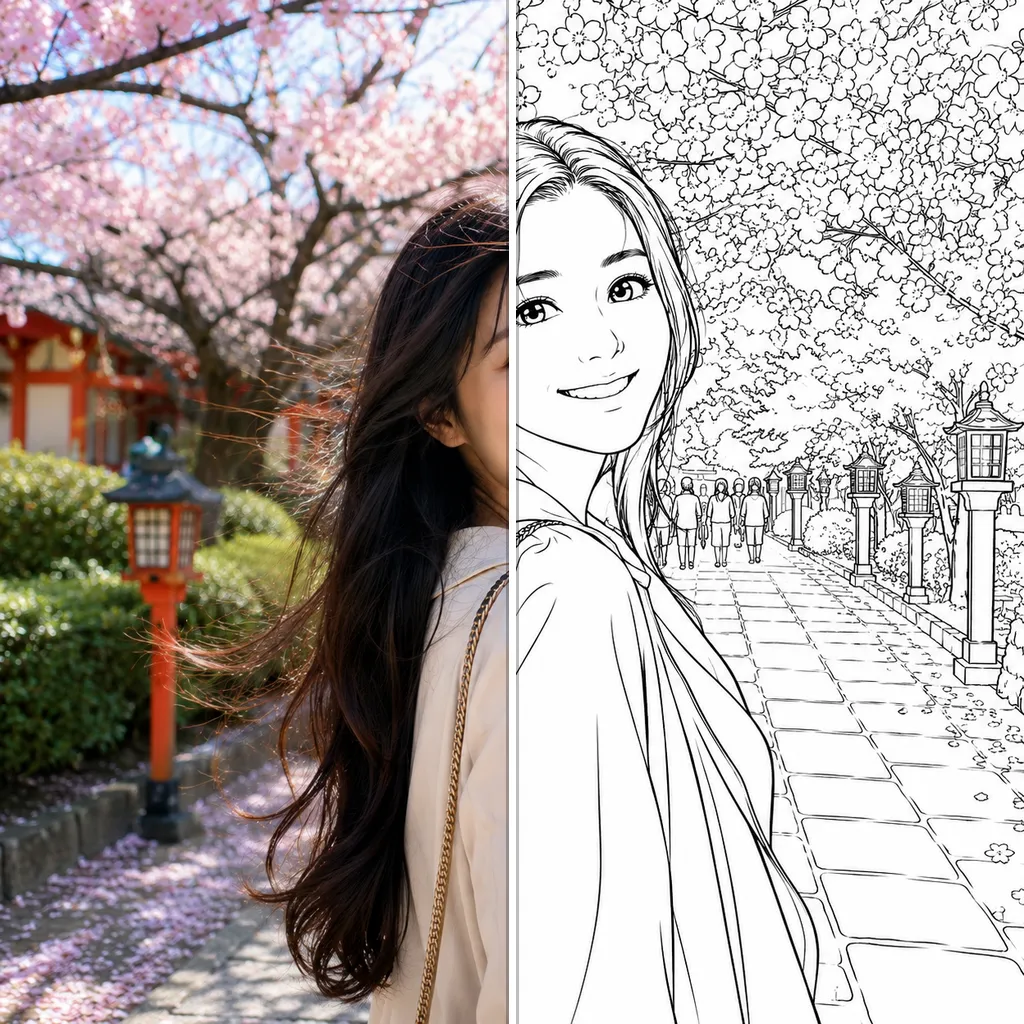
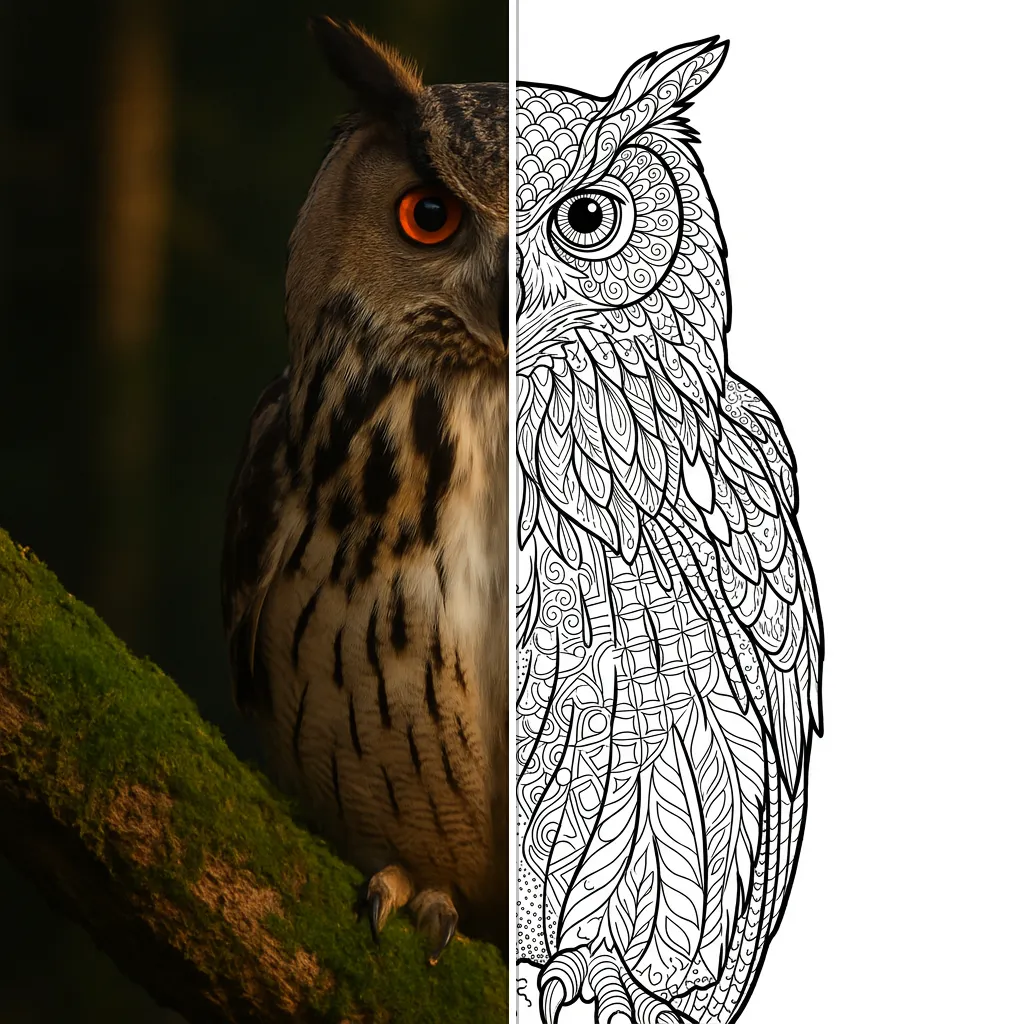
Cartoon
Turn your photo into a black-and-white cartoon coloring page.
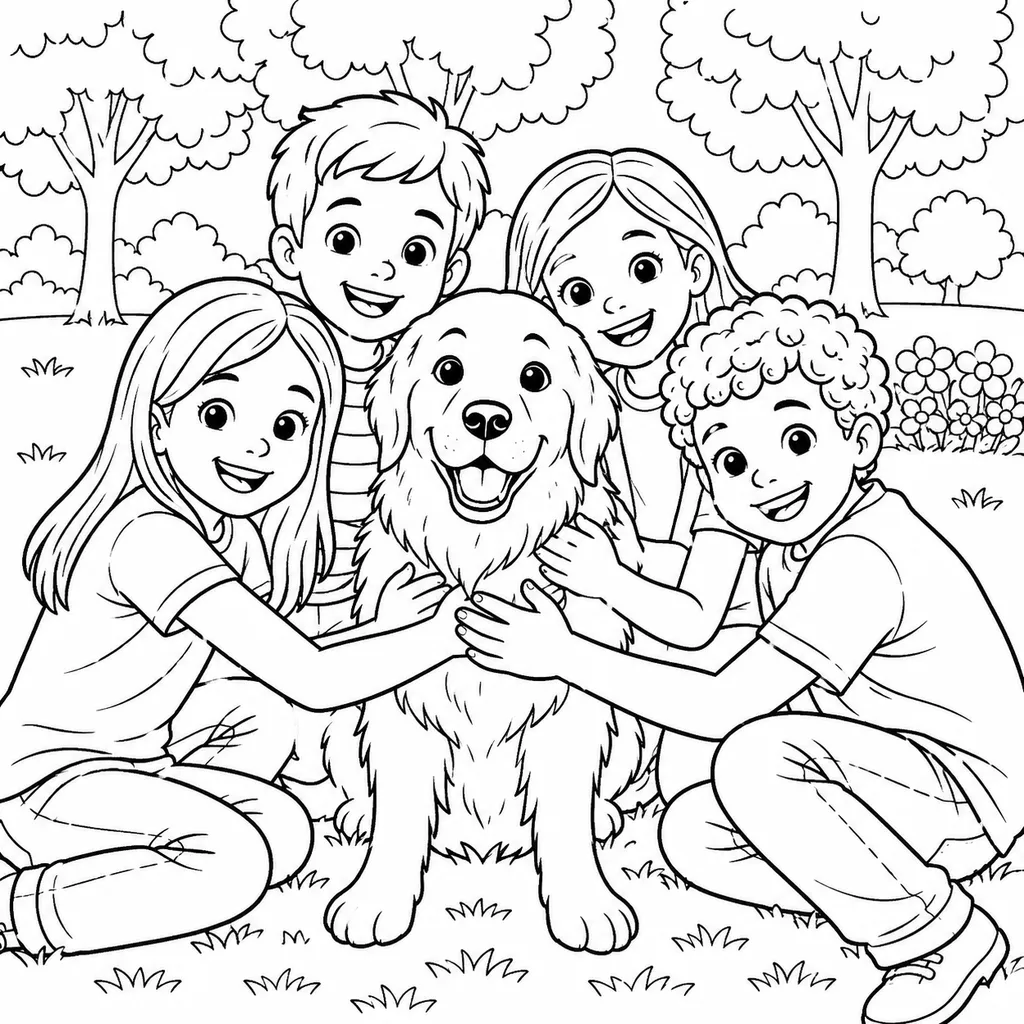
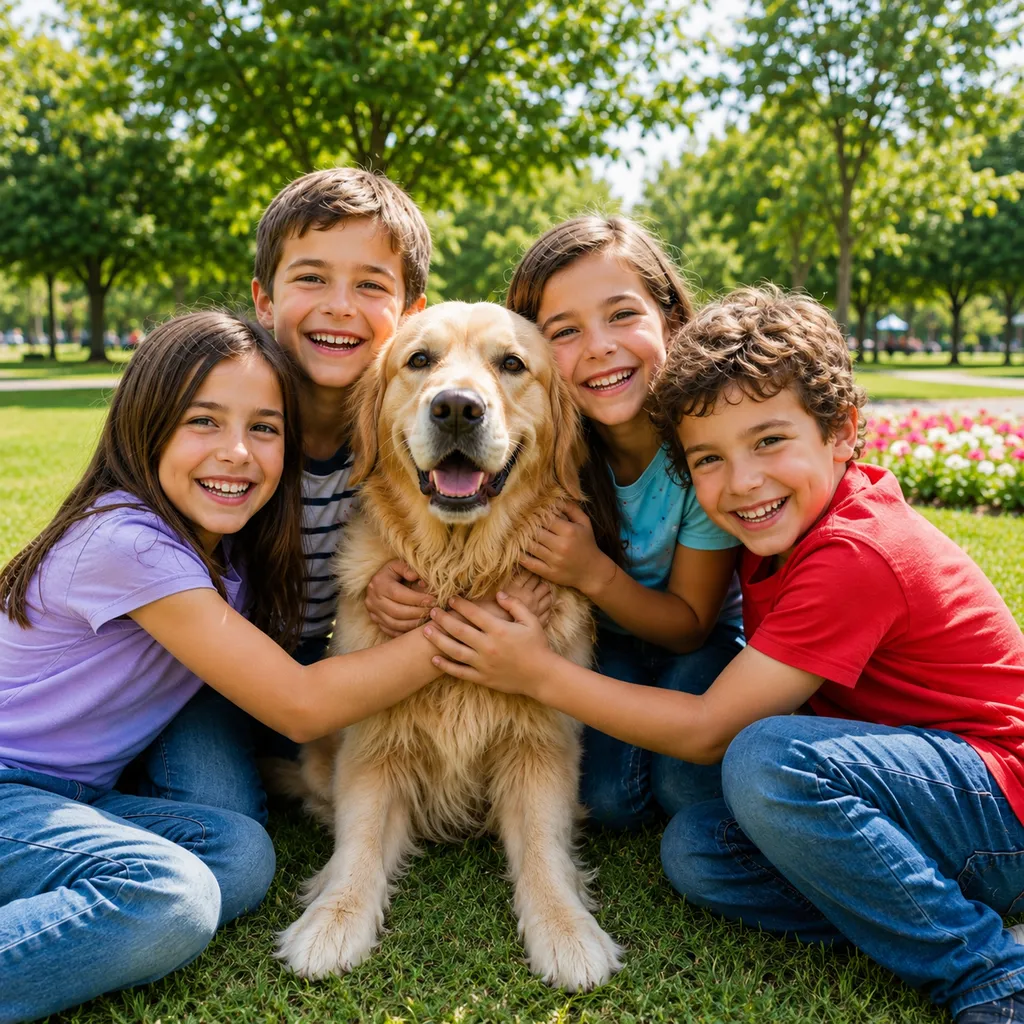
About the Cartoon style
Turn your photo into a black-and-white cartoon coloring page.
The Cartoon style belongs to Pikolor's coloring page family: the AI turns your photo into clean black-and-white line art with bold, closed outlines that are easy to stay inside - ideal for printable coloring pages. Unlike a generic photo filter, it keeps faces and important details recognizable, so kids get to color their own dog, their own family, their own favorite toy.
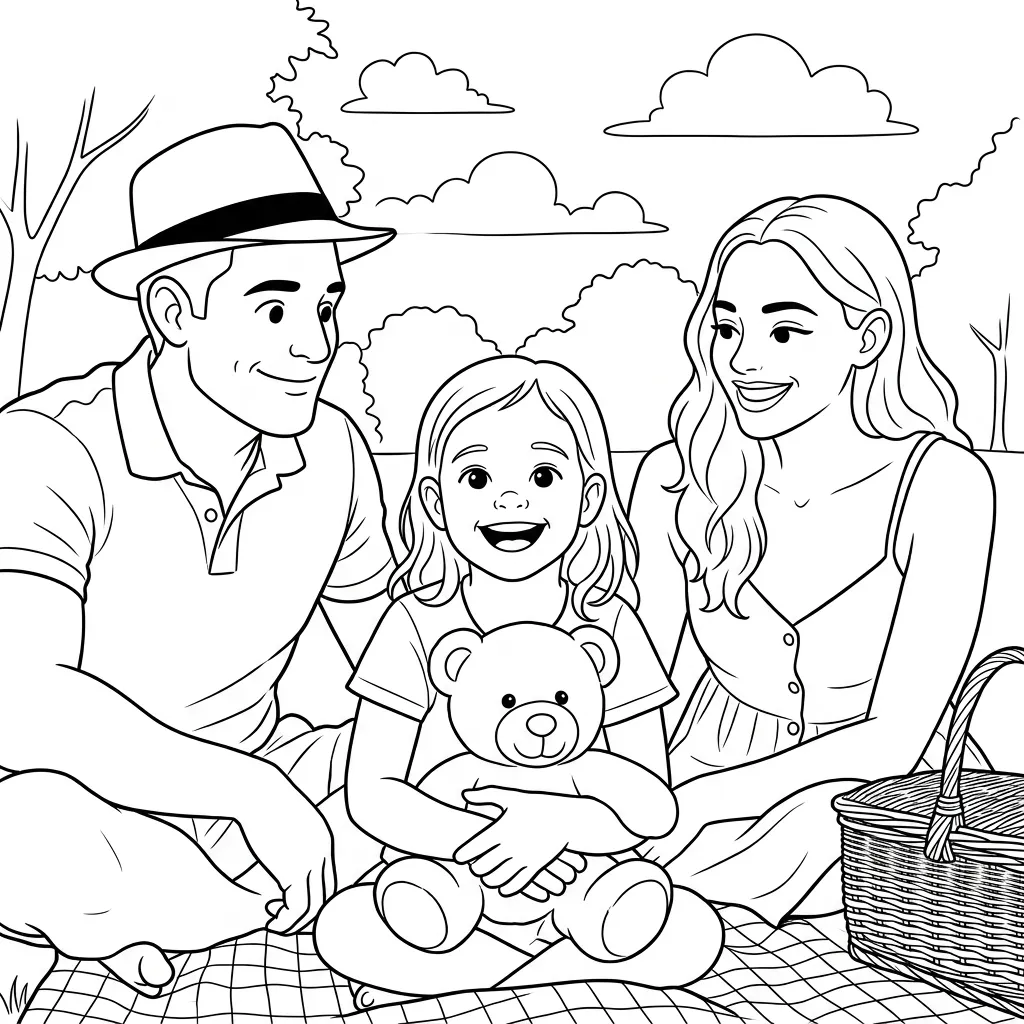
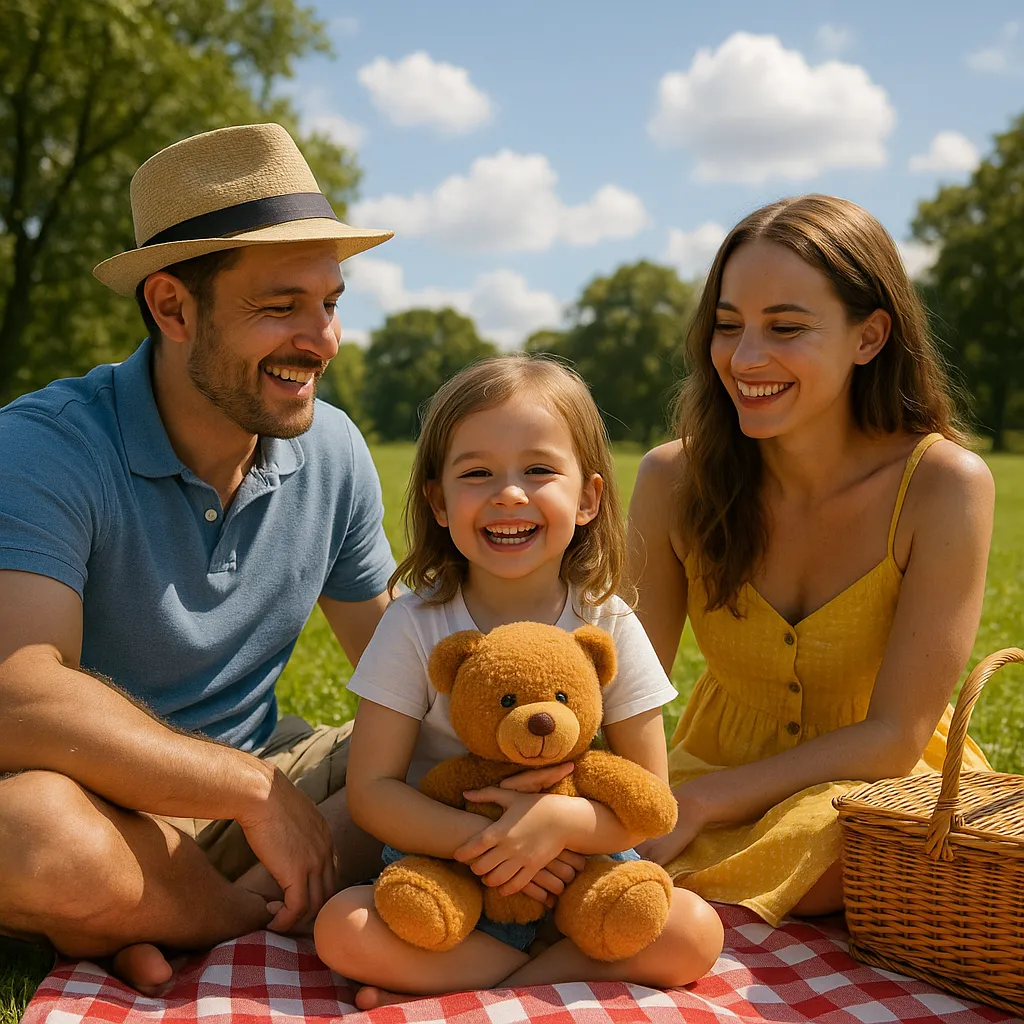
Why choose the Cartoon effect?
Parents and teachers use Cartoon coloring pages for quiet time, birthday parties and classroom activities: generate a page in seconds, print as many copies as you need, or color it with the built-in tools in the Pikolor app on iPhone, iPad and Android.
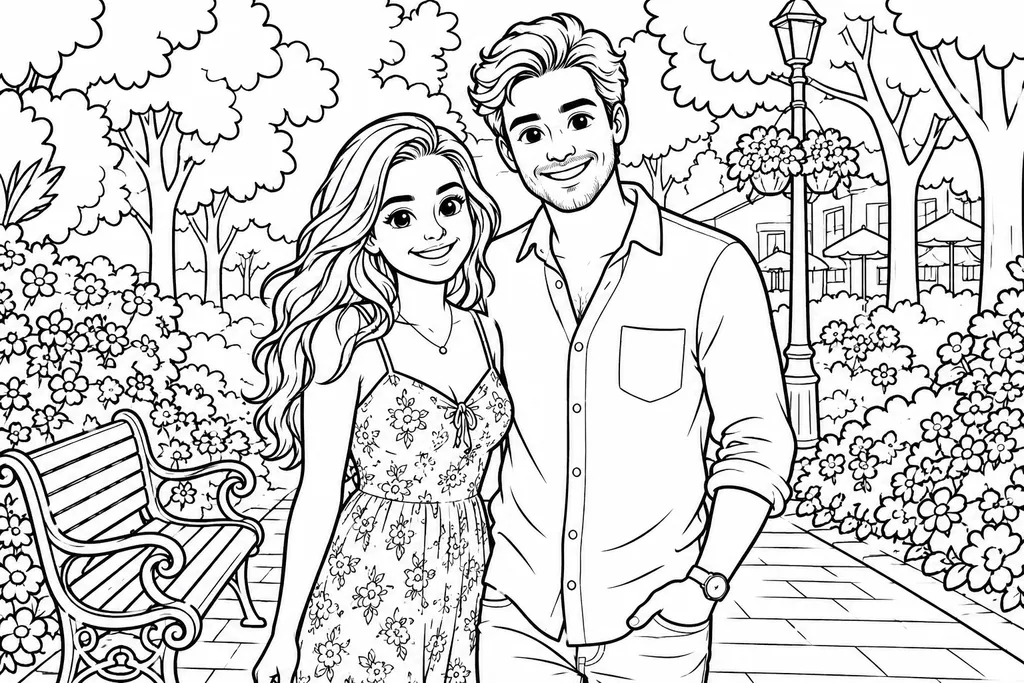

Best photos for Cartoon
Photos with a clear subject and good lighting give the most striking Cartoon results: portraits, pets, toys or holiday memories. Once generated, download your image in high definition, print it at home or share it with the family - and try the same photo with other effects to compare the looks.
Try this style with your own photo
Free online demo, no signup needed. For unlimited creations, download the app.
How to turn a photo into Cartoon
Upload a photo
Pick a clear photo from your gallery - a portrait, a pet or a favorite memory - or take a new one.
The AI applies the Cartoon style
In a few seconds, the AI redraws your photo in the Cartoon style while keeping the details that matter.
Download, print or color
Save the result in high definition, print it at home, or color it directly in the Pikolor app.