Retro Comic
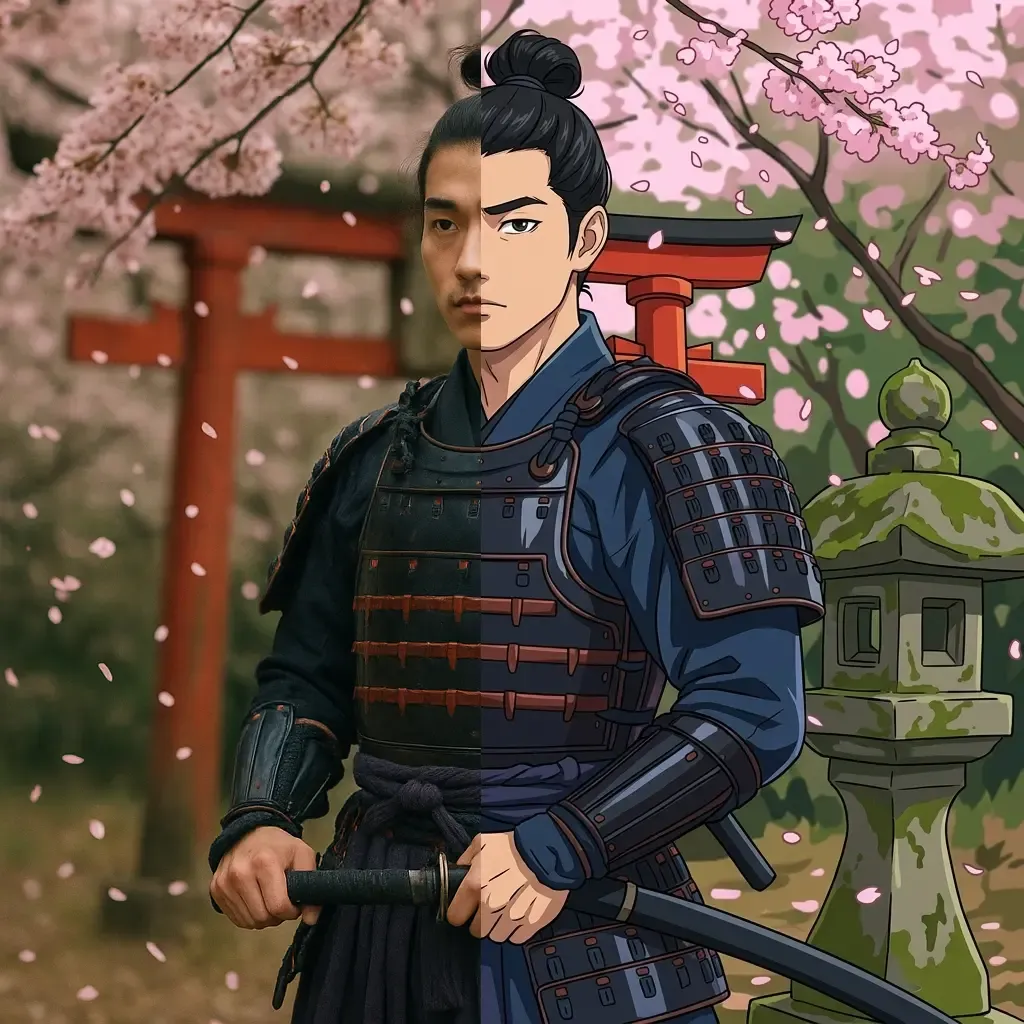
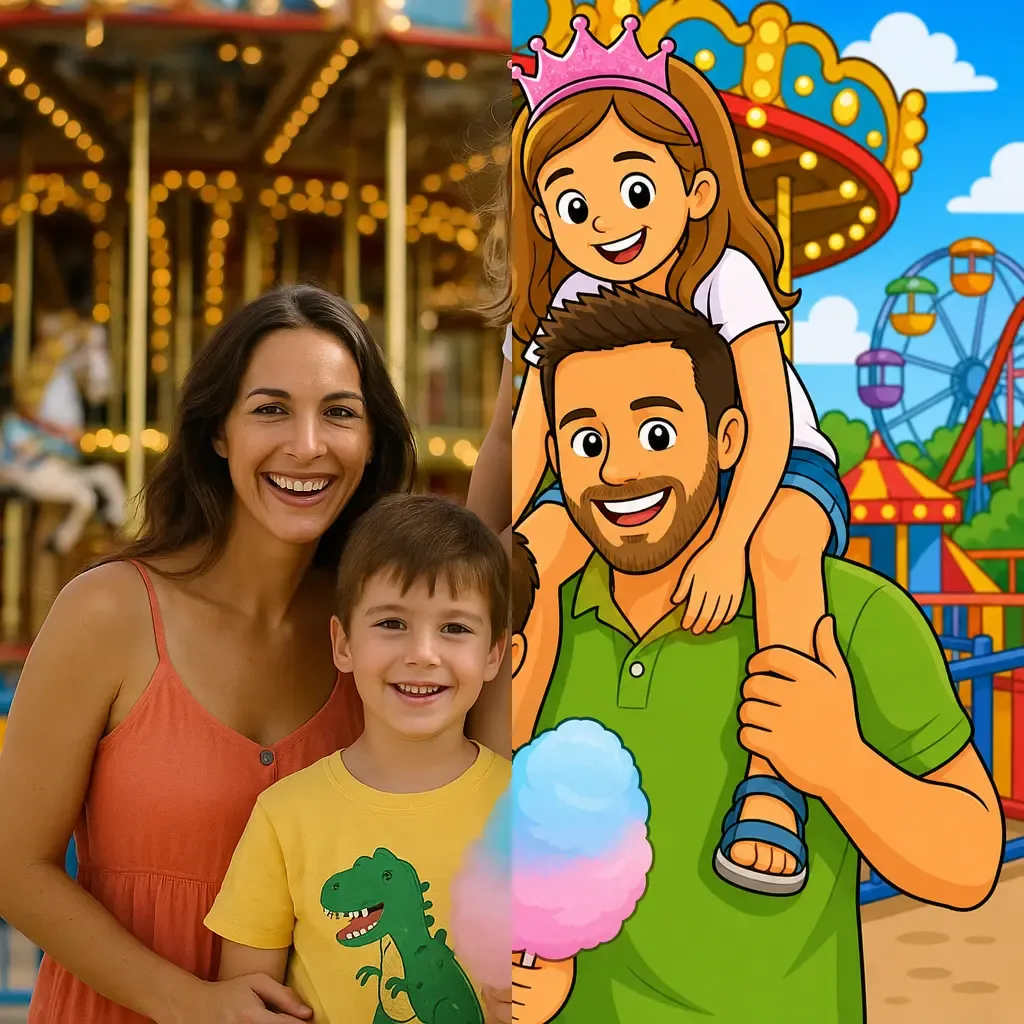
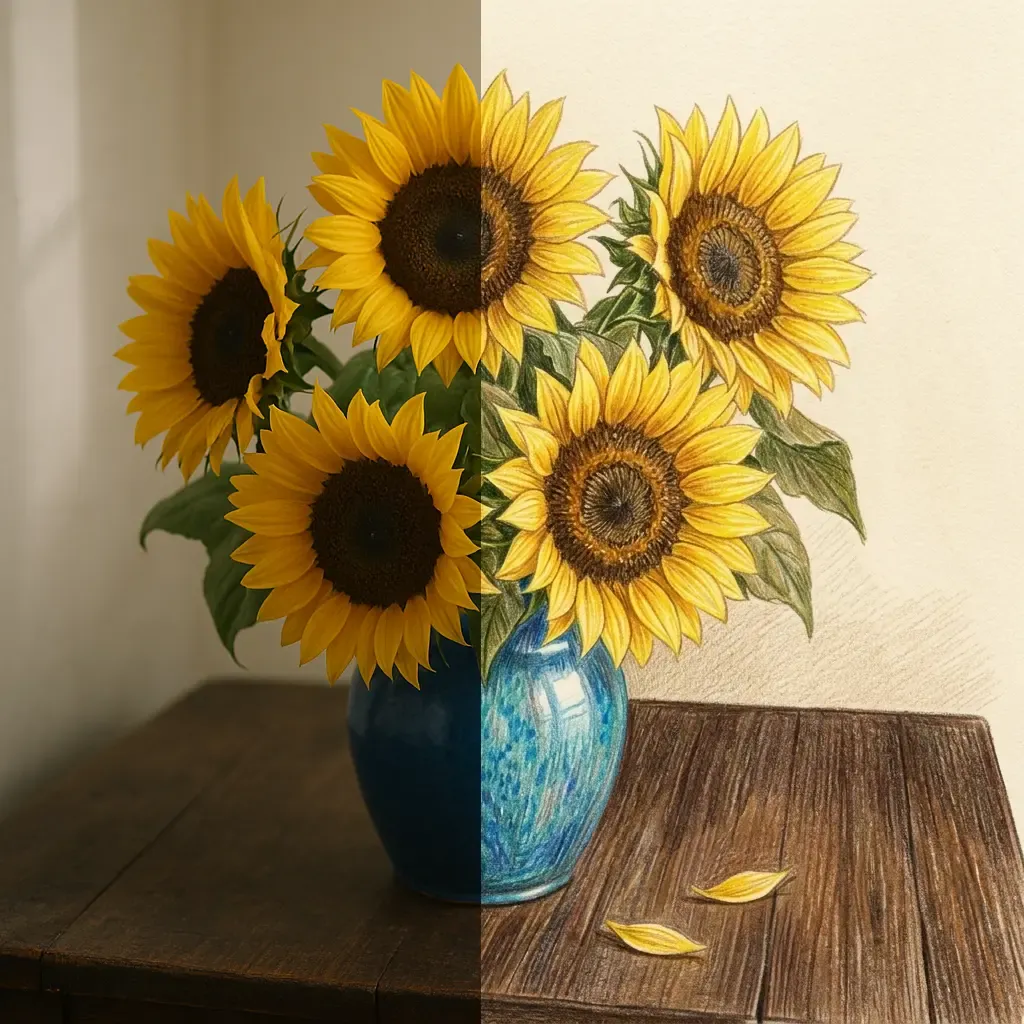
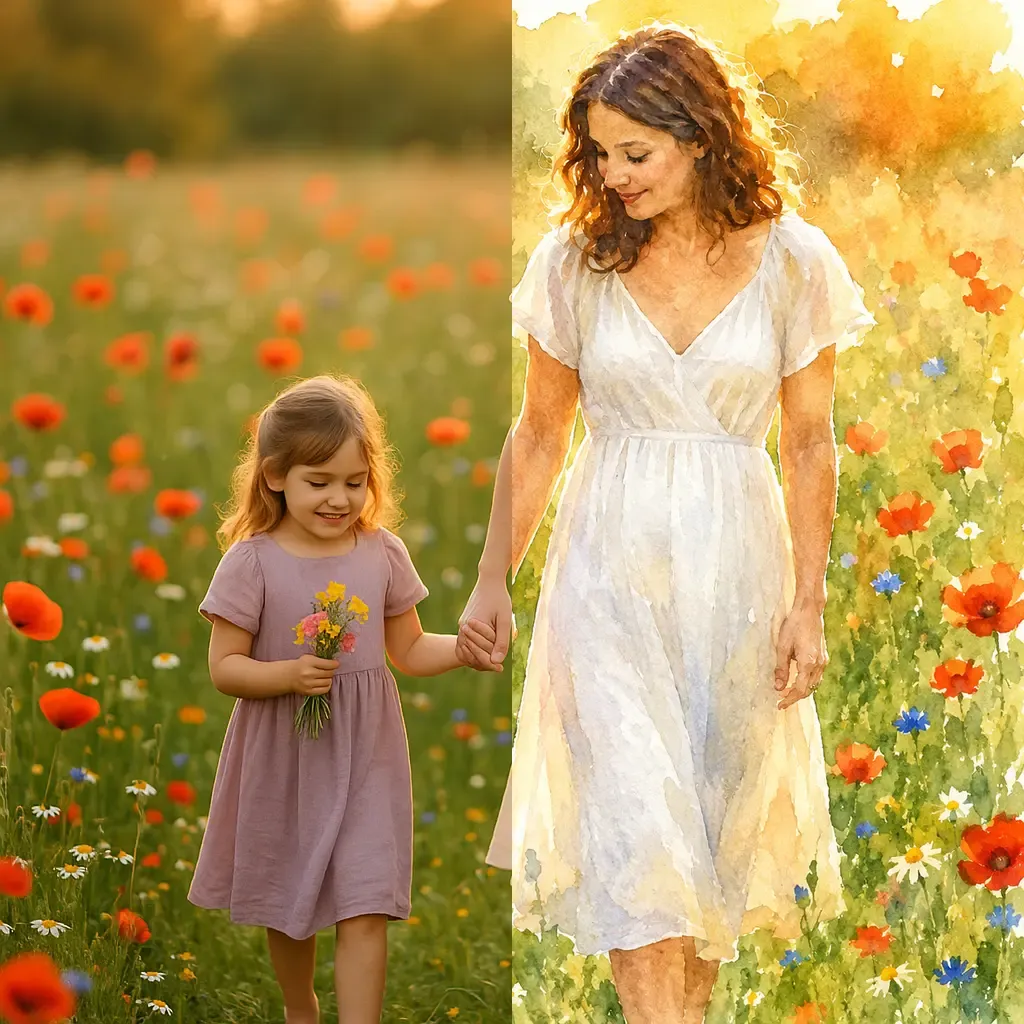
Turn your photo into a vibrant, fully colored 80s comic panel.
About the Retro Comic style
Turn your photo into a vibrant, fully colored 80s comic panel.
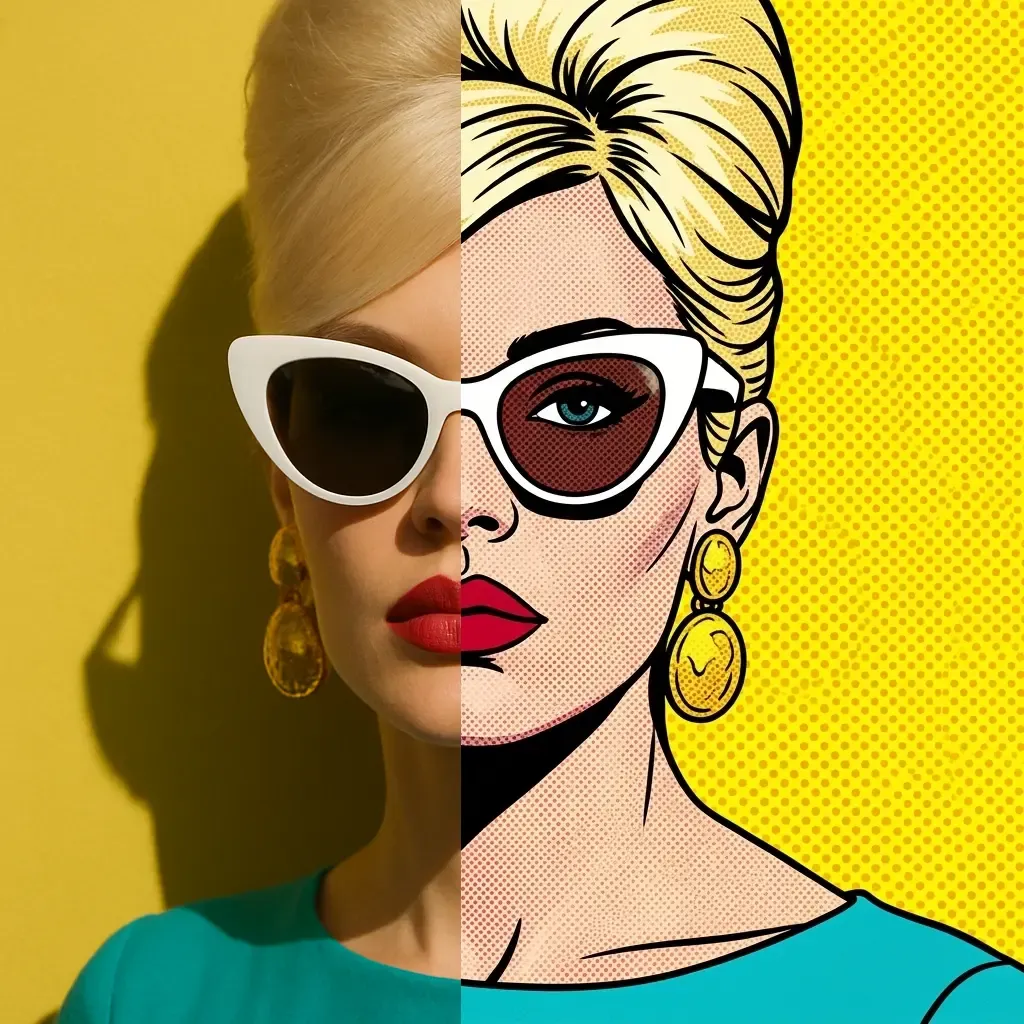
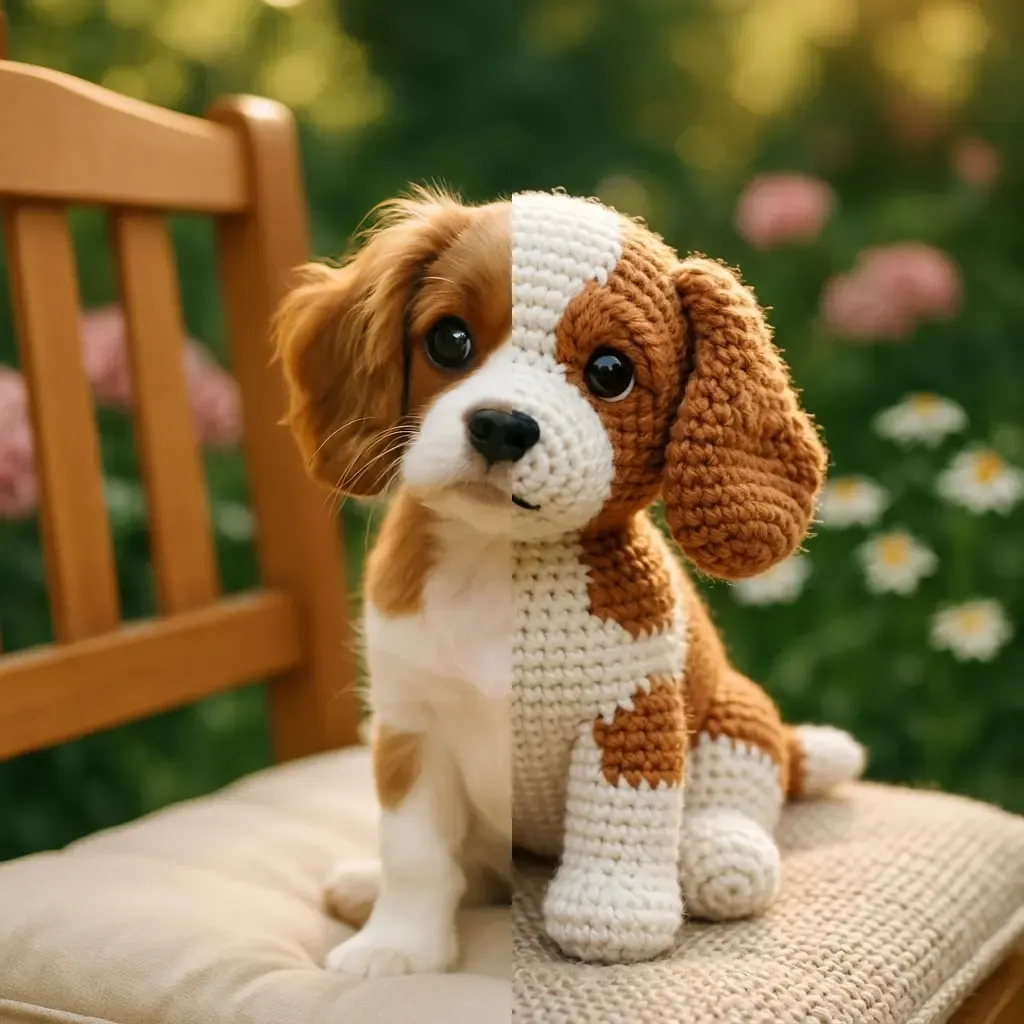
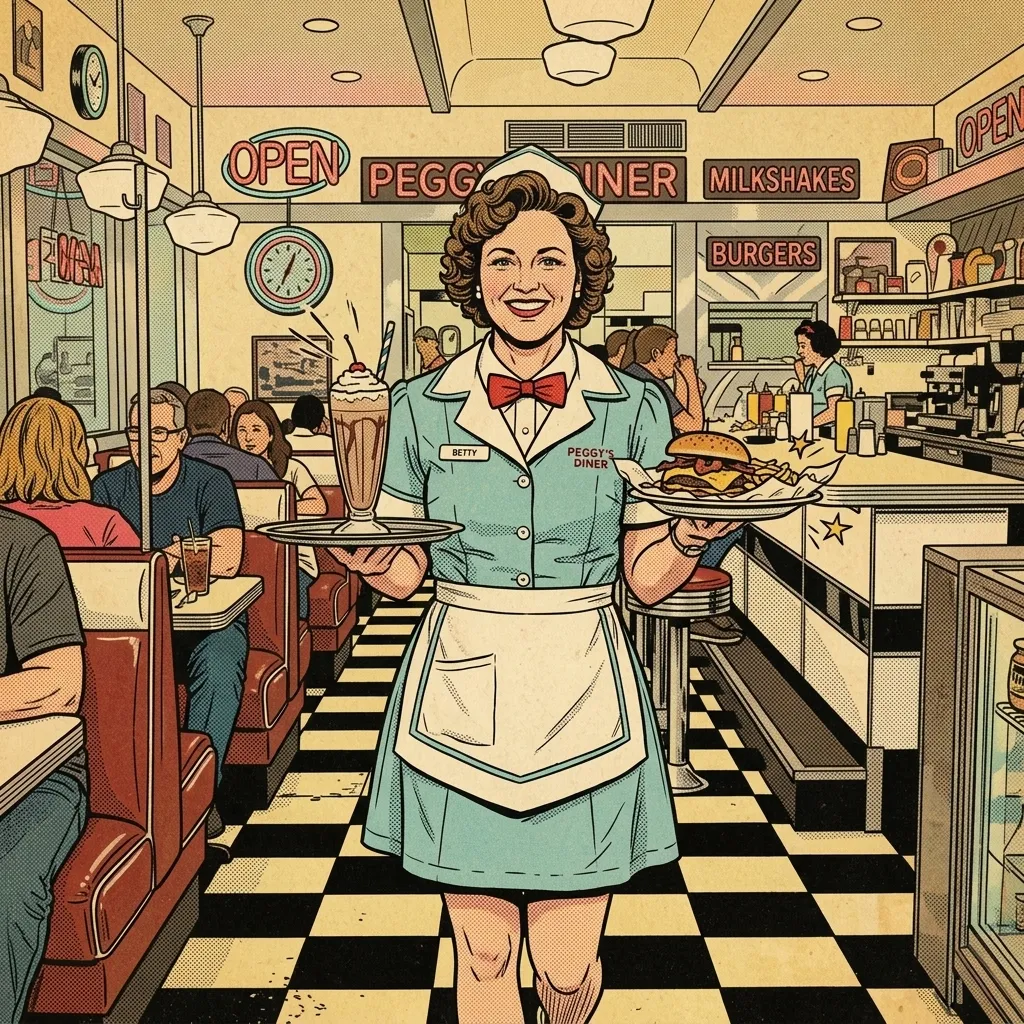
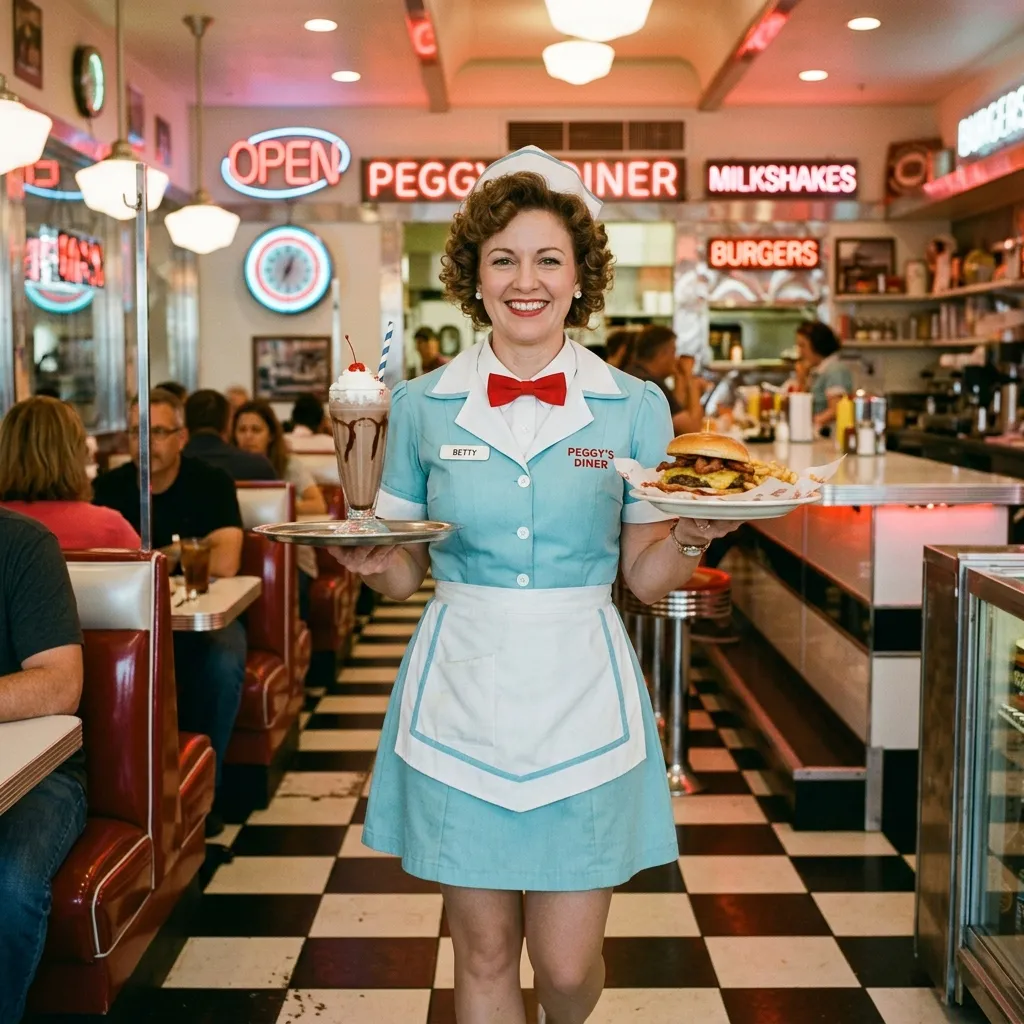
The Retro Comic style belongs to Pikolor's colorful family: instead of line art, the AI transforms your photo into a fully colored illustration with the Retro Comic look - the subject stays recognizable while the artistic mood changes completely.
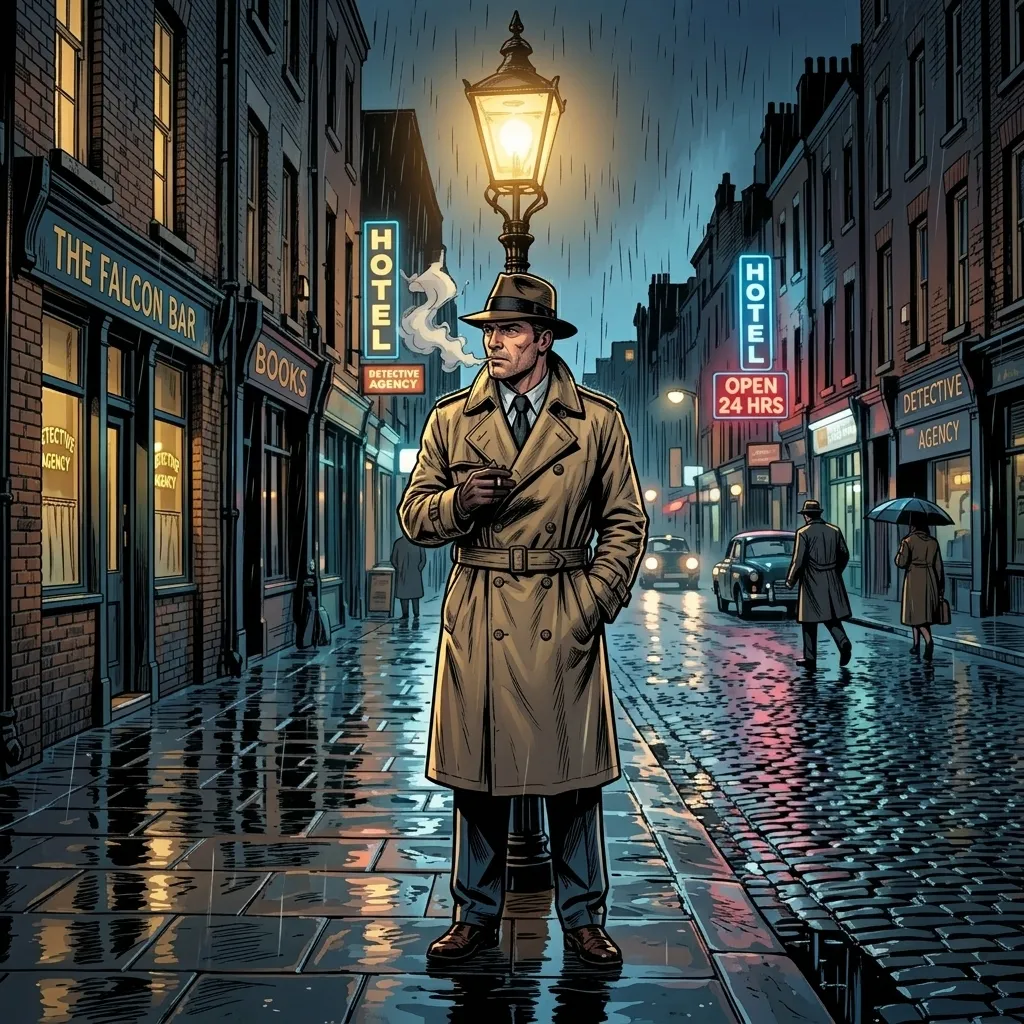
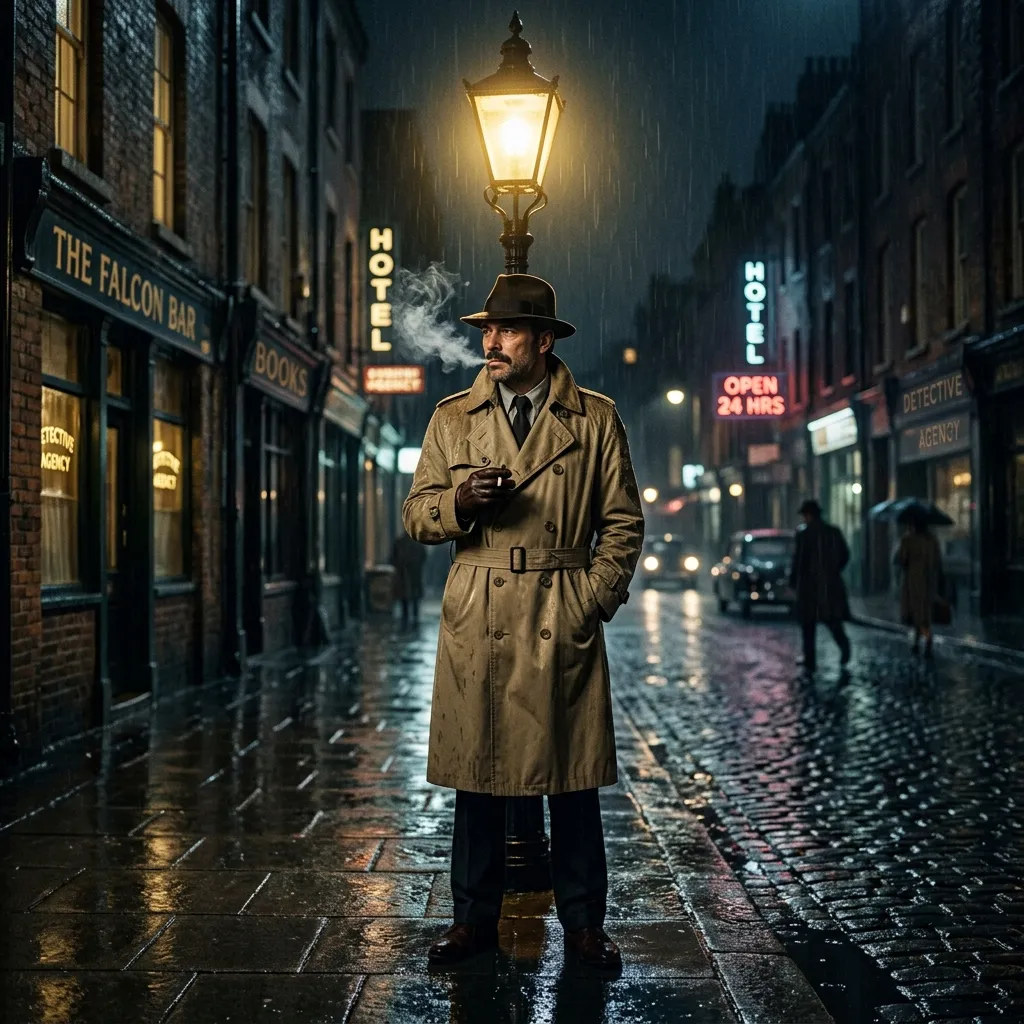
Why choose the Retro Comic effect?
It's perfect for profile pictures, social media posts, birthday cards and personalized gifts. Generate it from any photo in seconds, download it in high definition and share it - or print it to decorate a bedroom.
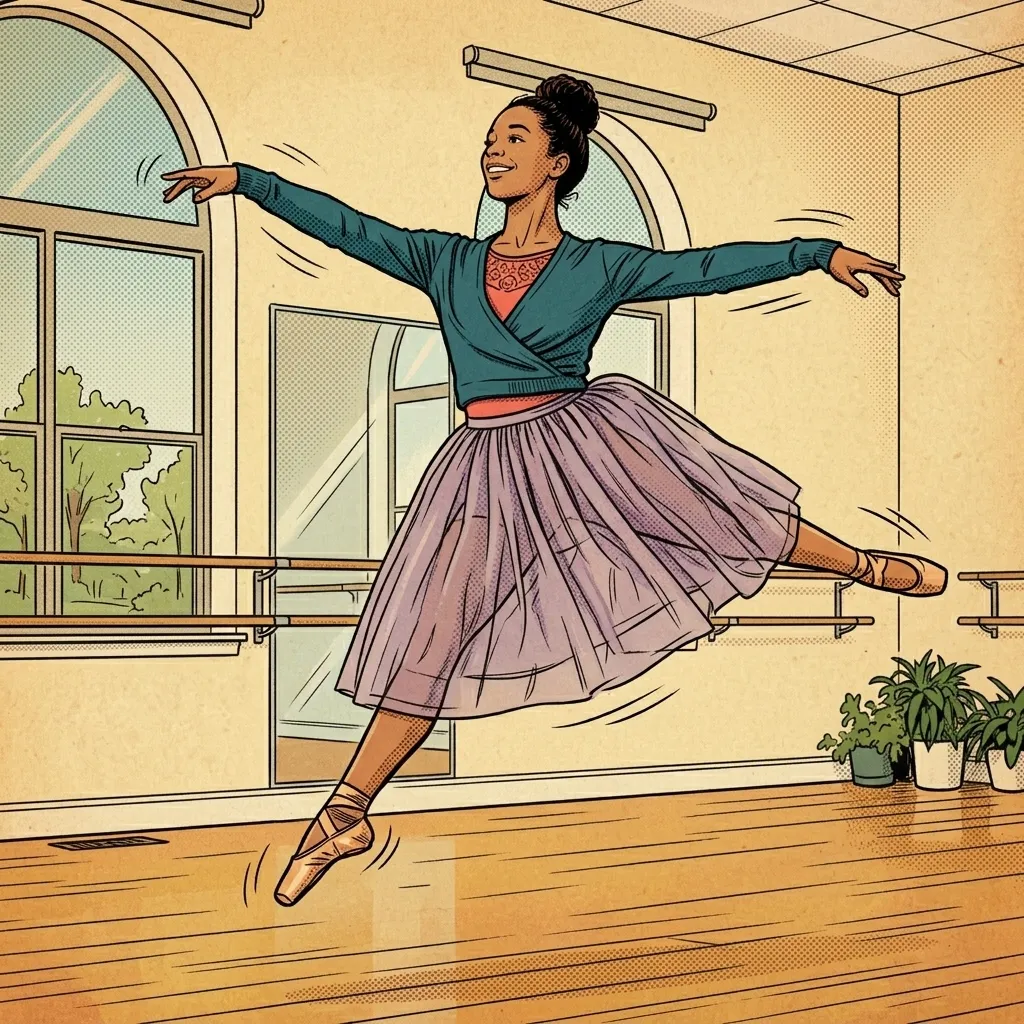
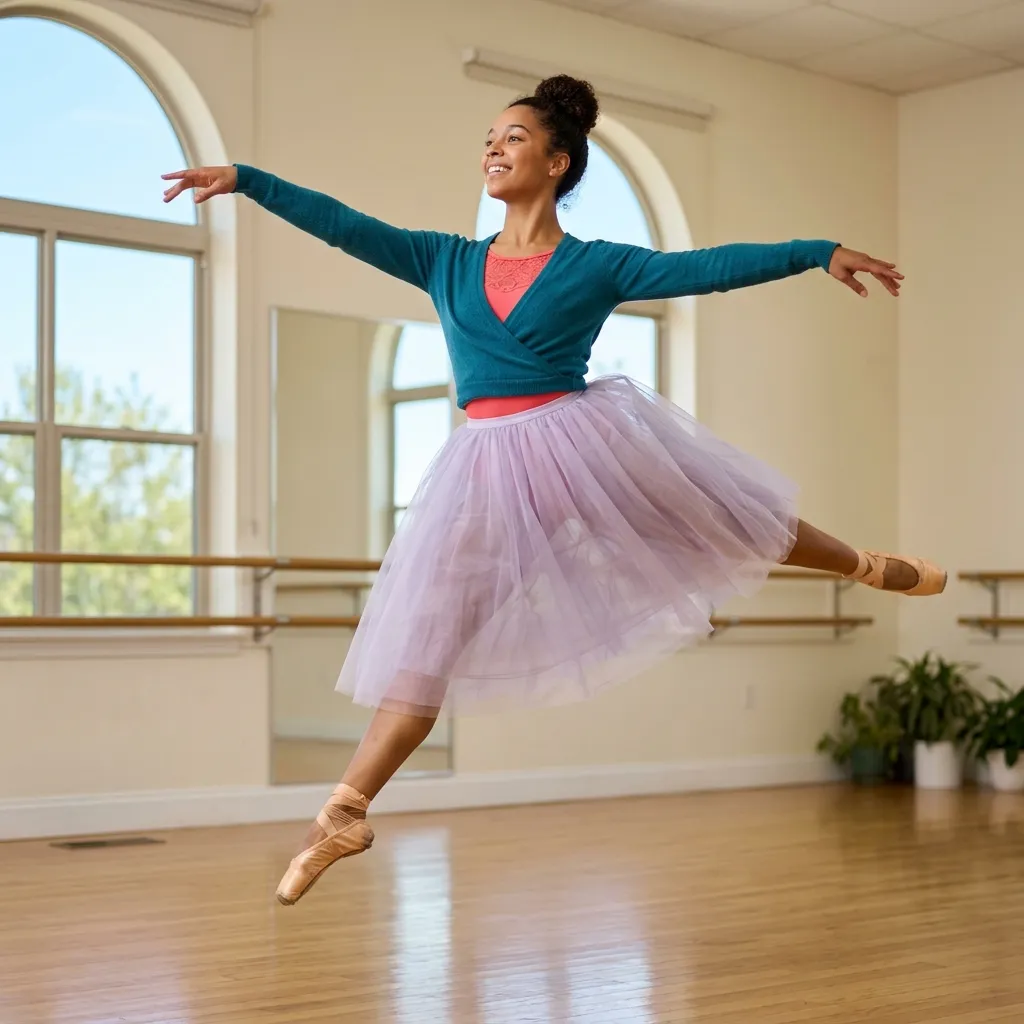
Best photos for Retro Comic
Photos with a clear subject and good lighting give the most striking Retro Comic results: portraits, pets, toys or holiday memories. Once generated, download your image in high definition, print it at home or share it with the family - and try the same photo with other effects to compare the looks.
Try this style with your own photo
Free online demo, no signup needed. For unlimited creations, download the app.
How to turn a photo into Retro Comic
Upload a photo
Pick a clear photo from your gallery - a portrait, a pet or a favorite memory - or take a new one.
The AI applies the Retro Comic style
In a few seconds, the AI redraws your photo in the Retro Comic style while keeping the details that matter.
Download, print or color
Save the result in high definition, print it at home, or color it directly in the Pikolor app.