Make a Custom Coloring Book From Your Photos
Turn a camera roll into a personalized coloring book: convert photo after photo into matching coloring pages, print them, and bind your own book.
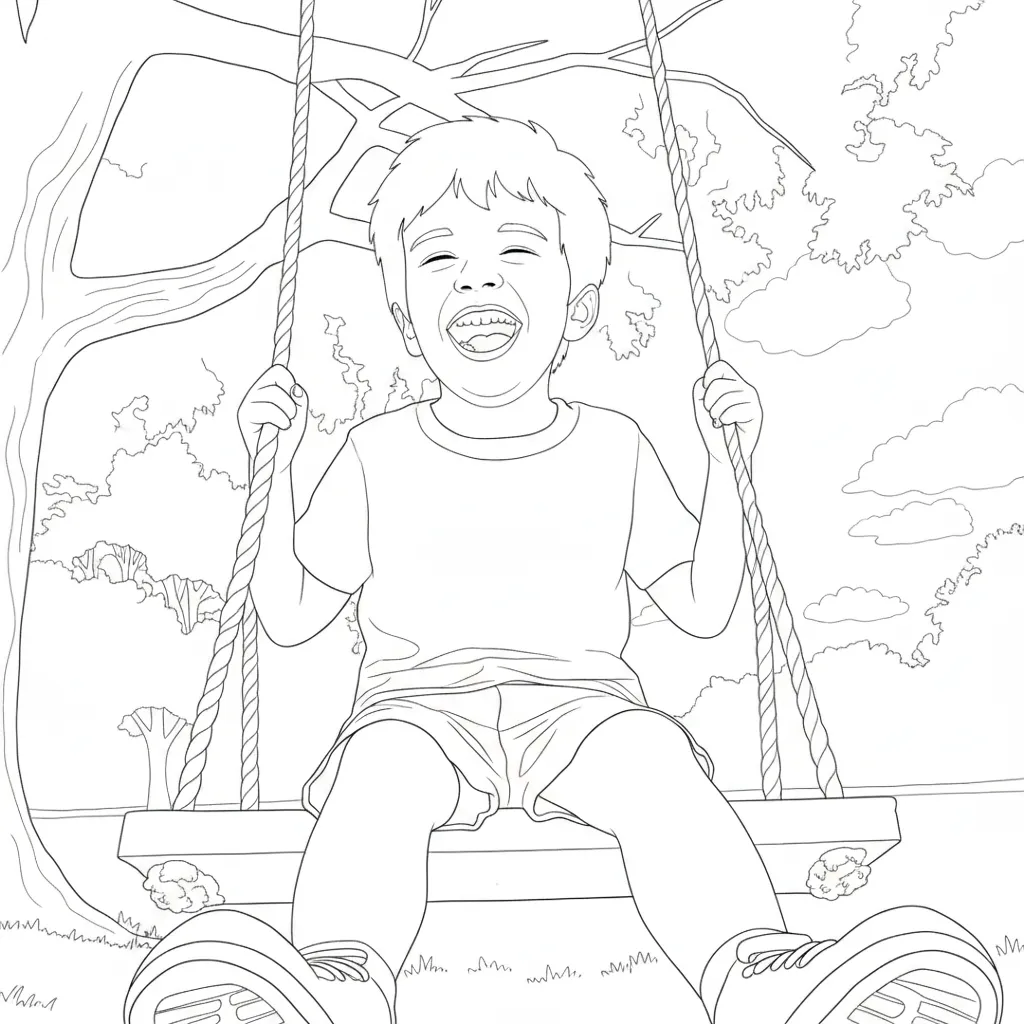

A whole coloring book, starring your family
A coloring book maker is more than a one-off filter: pick a style, run your favorite photos through it, and every page comes out with the same consistent line-art look — like a book that was illustrated just for you.
Grandparents' visit, a school year, your dog's first year, a wedding — any set of photos becomes a themed coloring book kids and adults can fill in together.
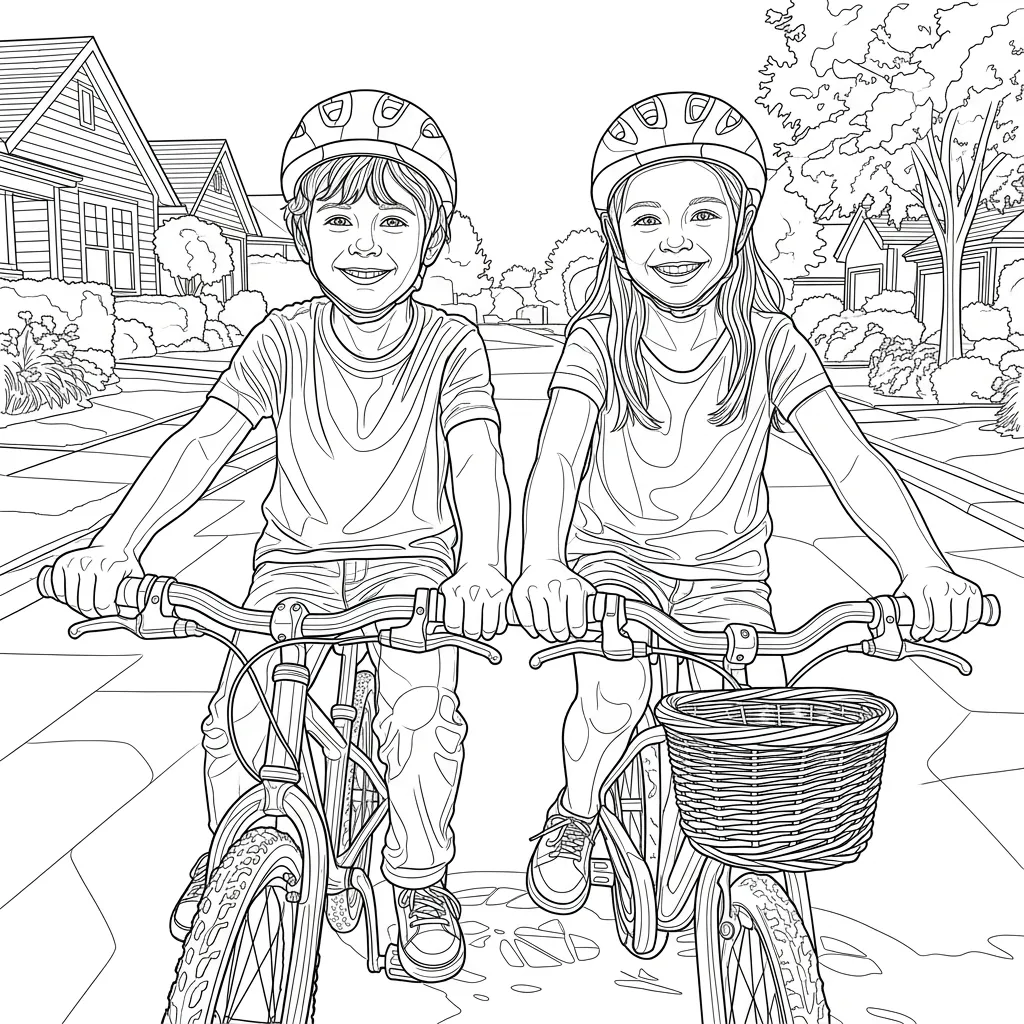

Print at home or make it a gift
Every page is generated print-ready: clean outlines, white background, standard A4 or letter proportions. Print, punch and bind, or have it spiral-bound at a print shop for a few dollars.
Custom coloring books are a favorite for birthday parties, classroom activities, baby showers and personalized gifts — inexpensive to make and impossible to find in a store.
Pick one style for a consistent book
The secret of a good custom coloring book is one consistent style across pages. Simple works for young kids, Detailed for older ones and adults, and Chibi or Manga make fun themed books. Compare the styles below:
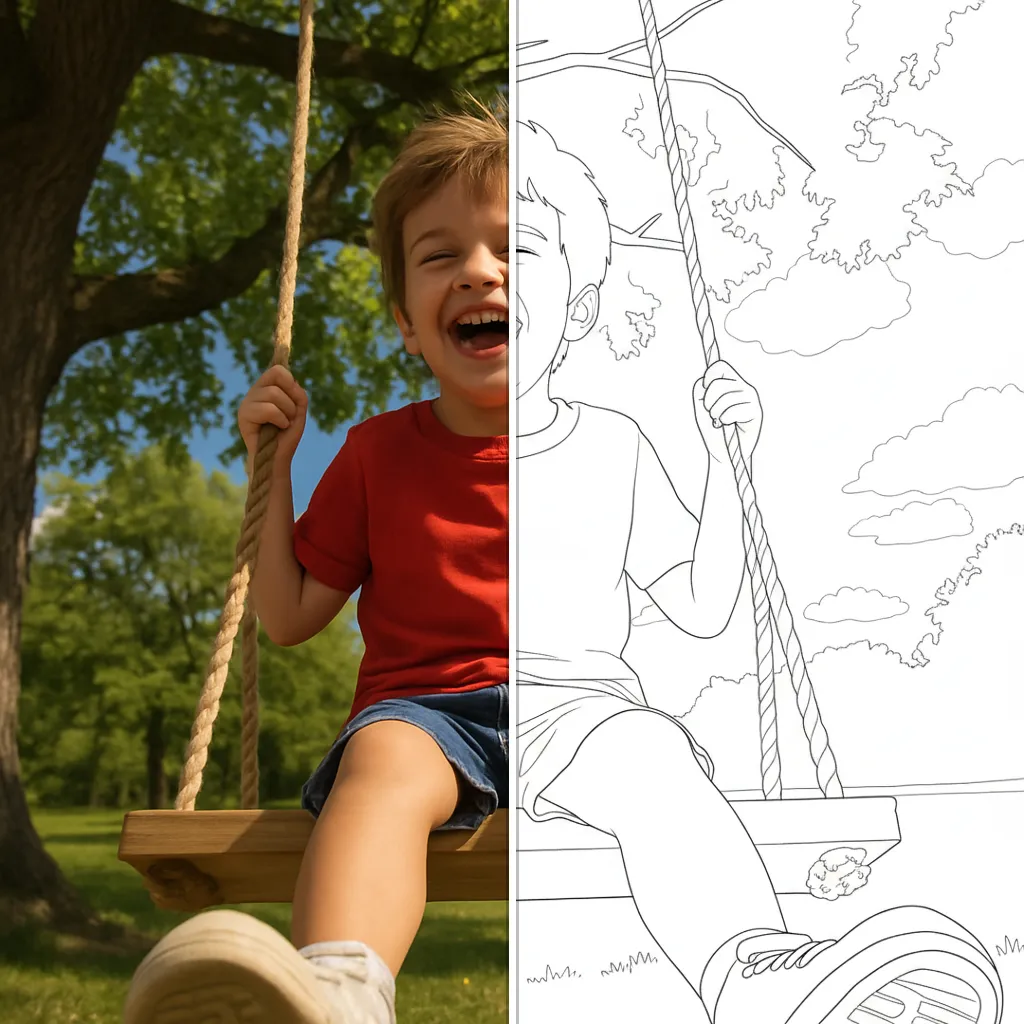
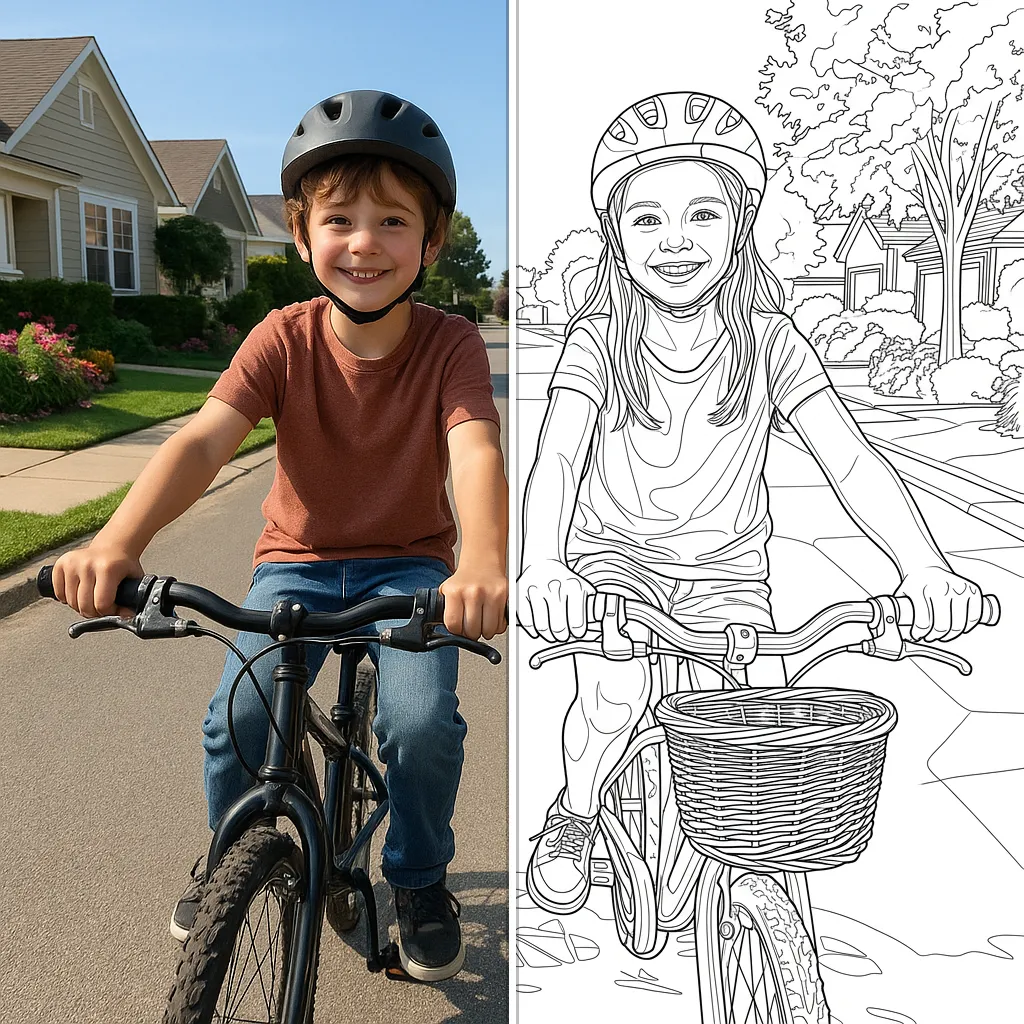
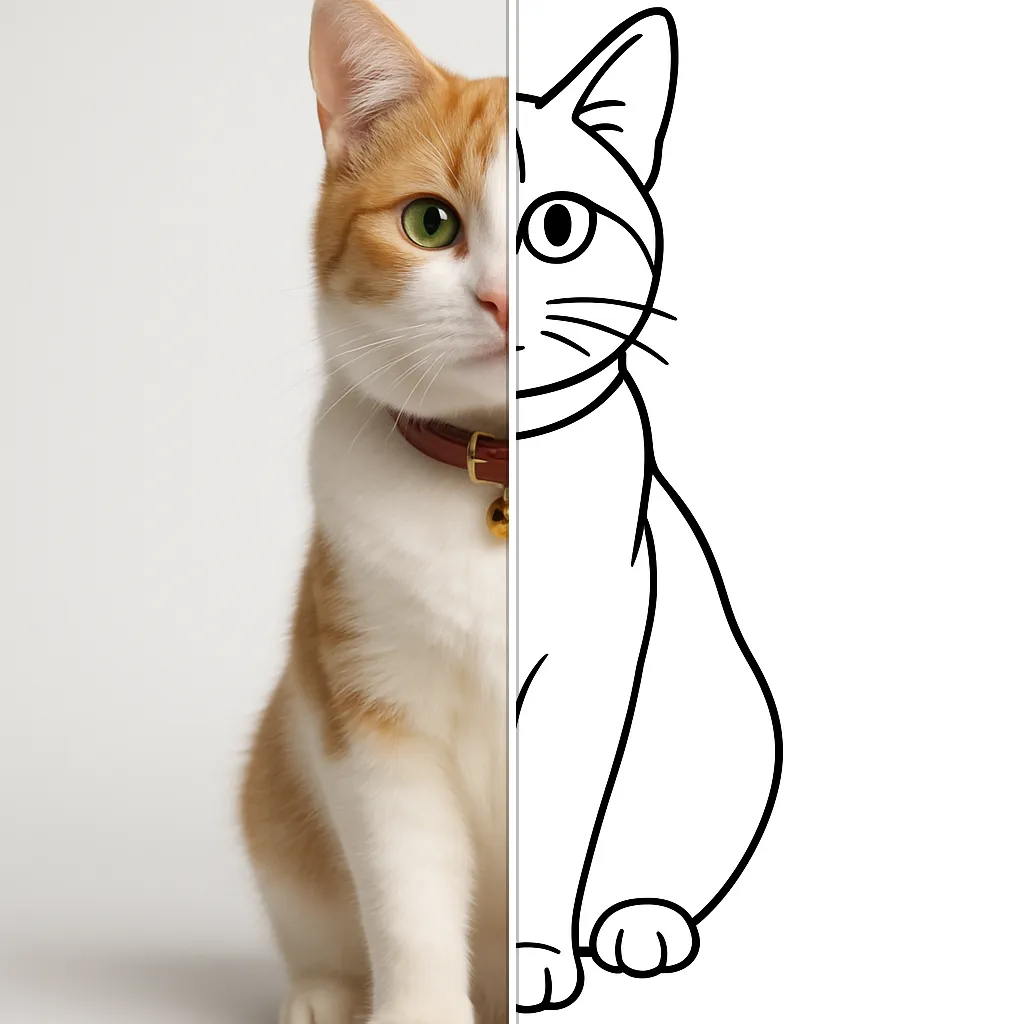
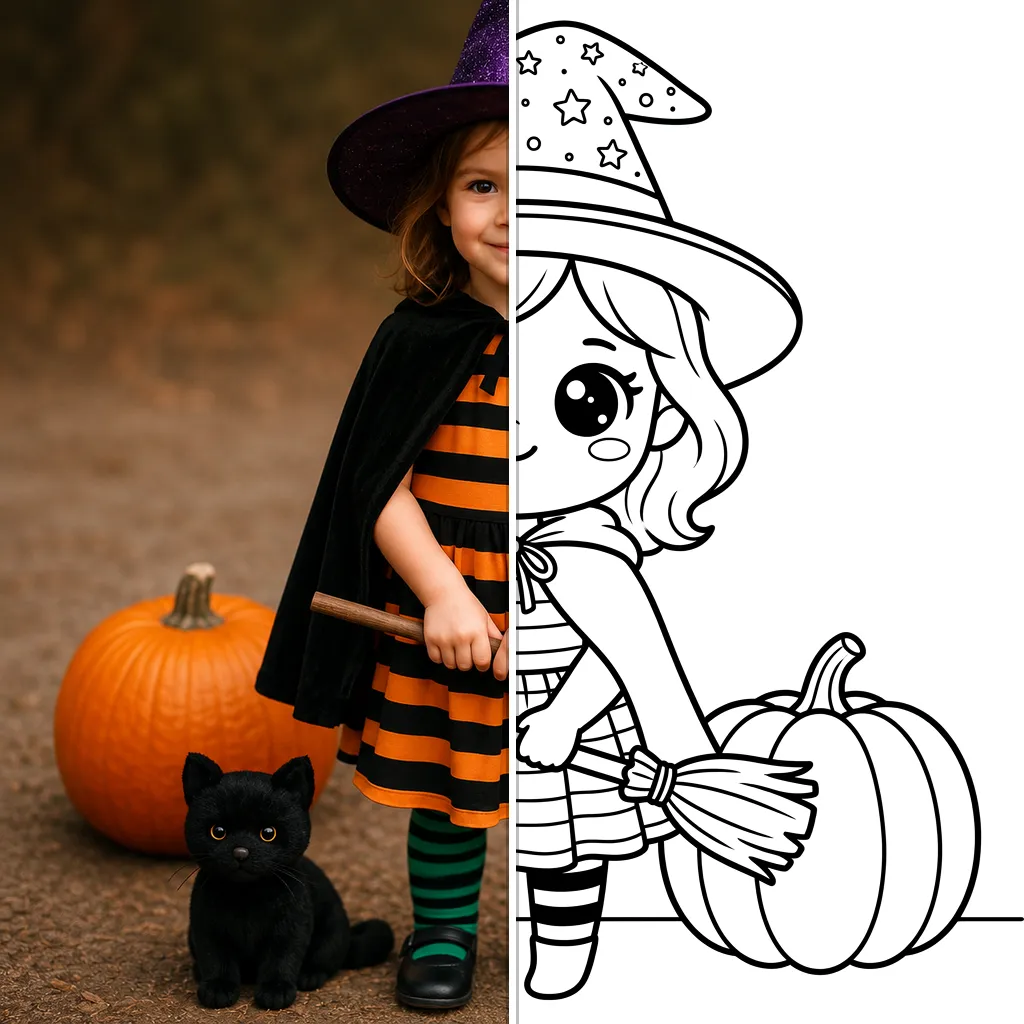
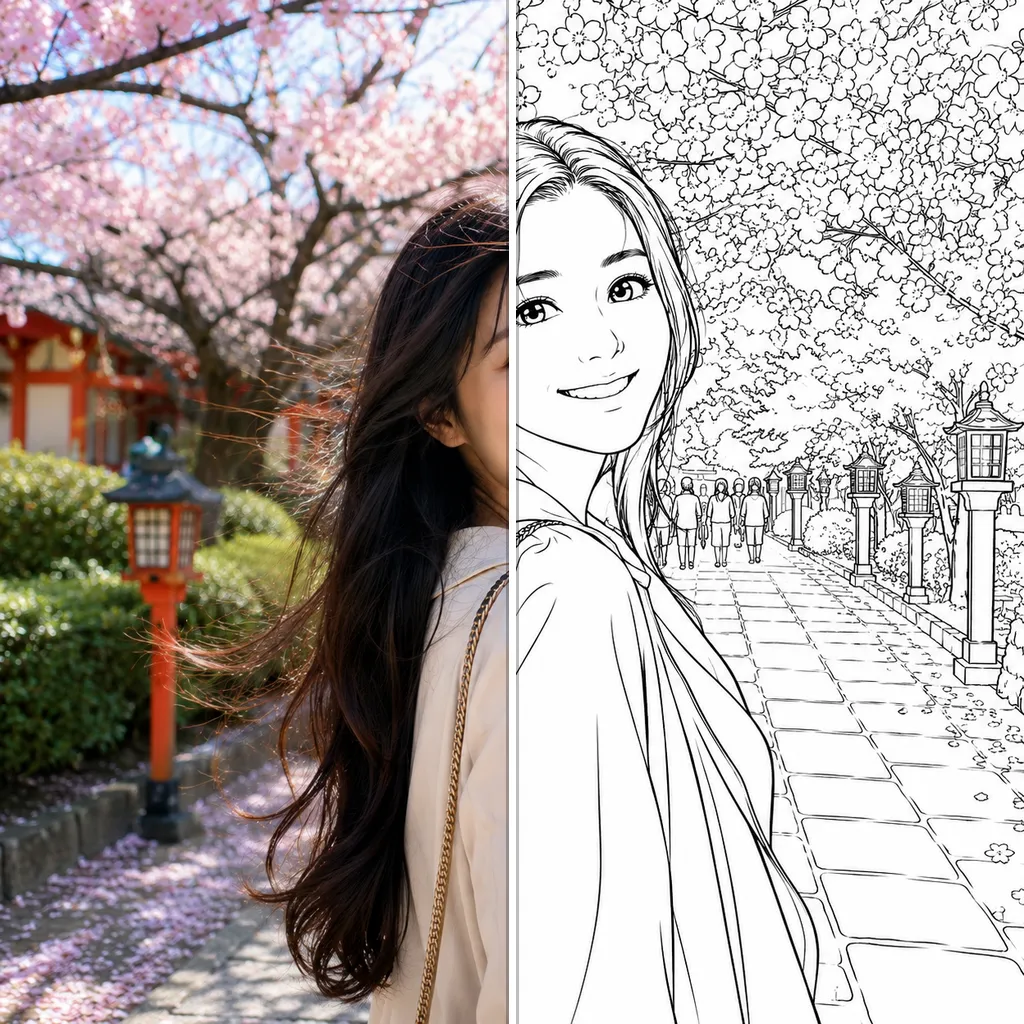
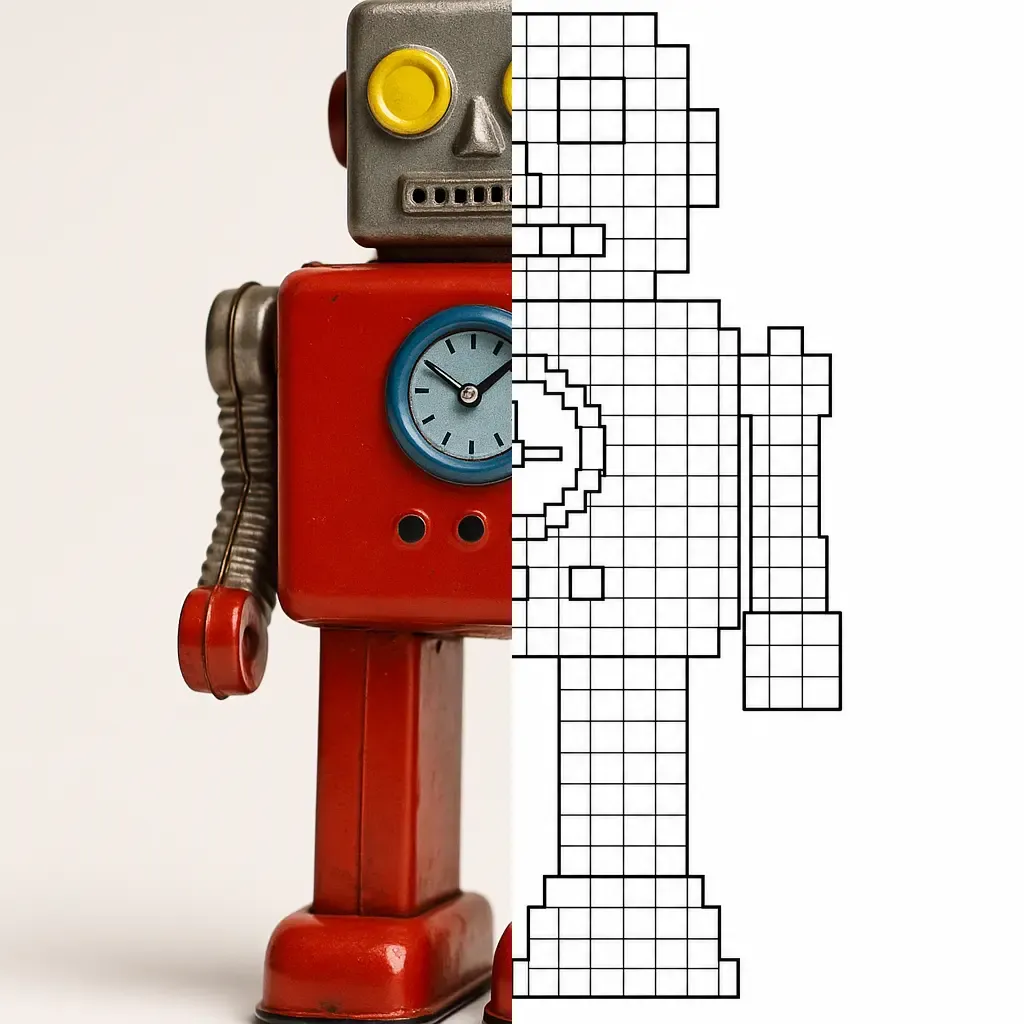
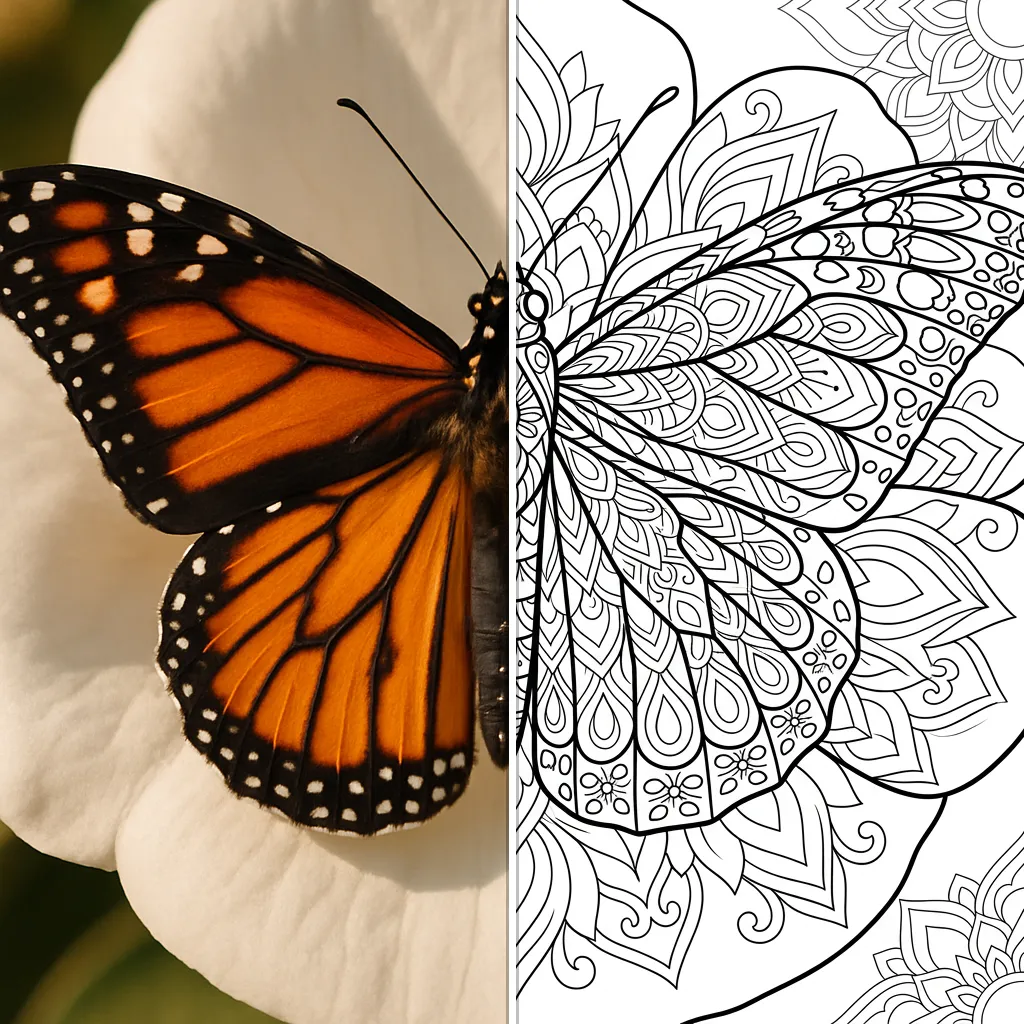
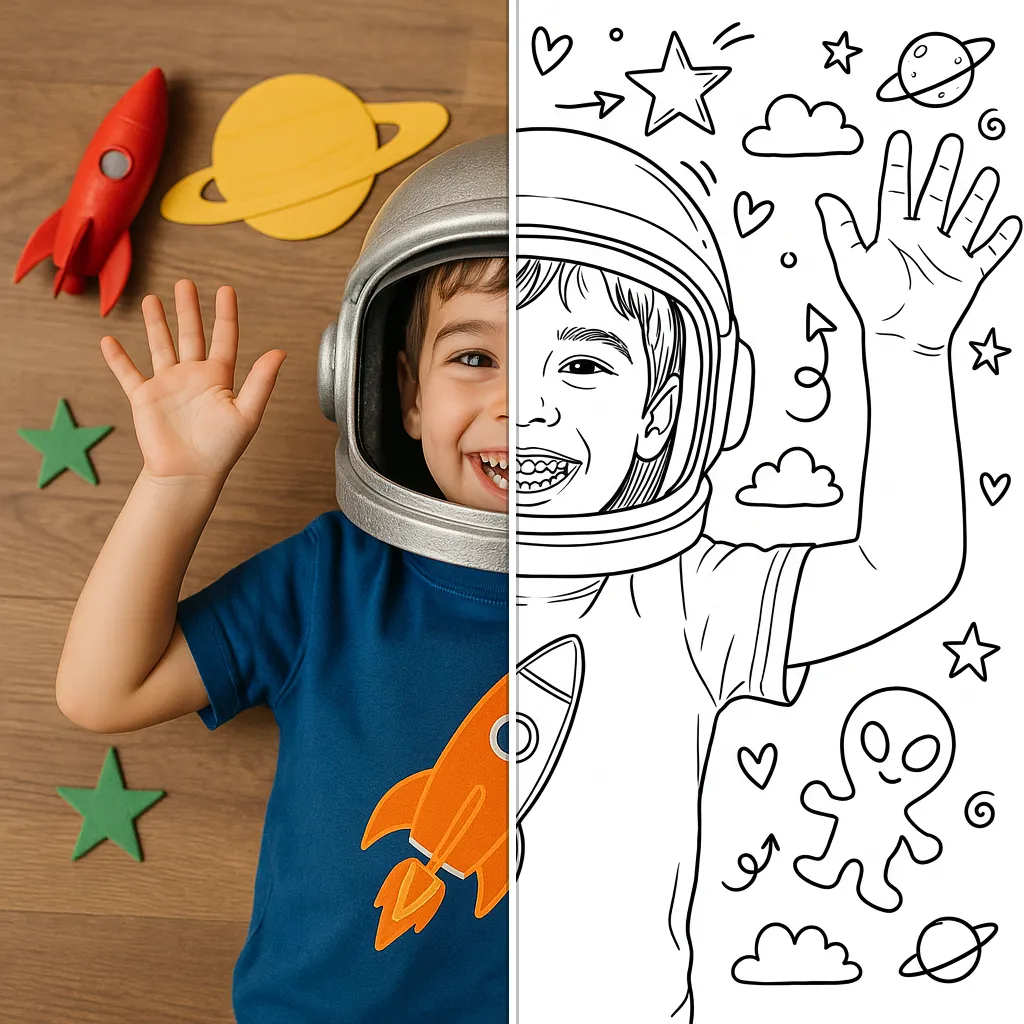
Explore each style page for examples, tips and a live demo.
How to make your own coloring book
Choose your photos
Gather the pictures for your book — a trip, a year of memories, the family pets. 8 to 20 photos make a great book.
Convert them in one style
Turn each photo into a coloring page with the same style so the whole book feels professionally illustrated.
Print and bind
Print your pages at home, add a cover, and staple or spiral-bind them into a real coloring book.
Frequently Asked Questions
Start your custom coloring book
Convert your first photos free and see how your book will look — then build the full book in the app.