Turn Any Photo Into a Coloring Page
Upload a picture and Pikolor's AI converts it into clean, printable line art in seconds. Try it free in your browser — no sign-up needed.
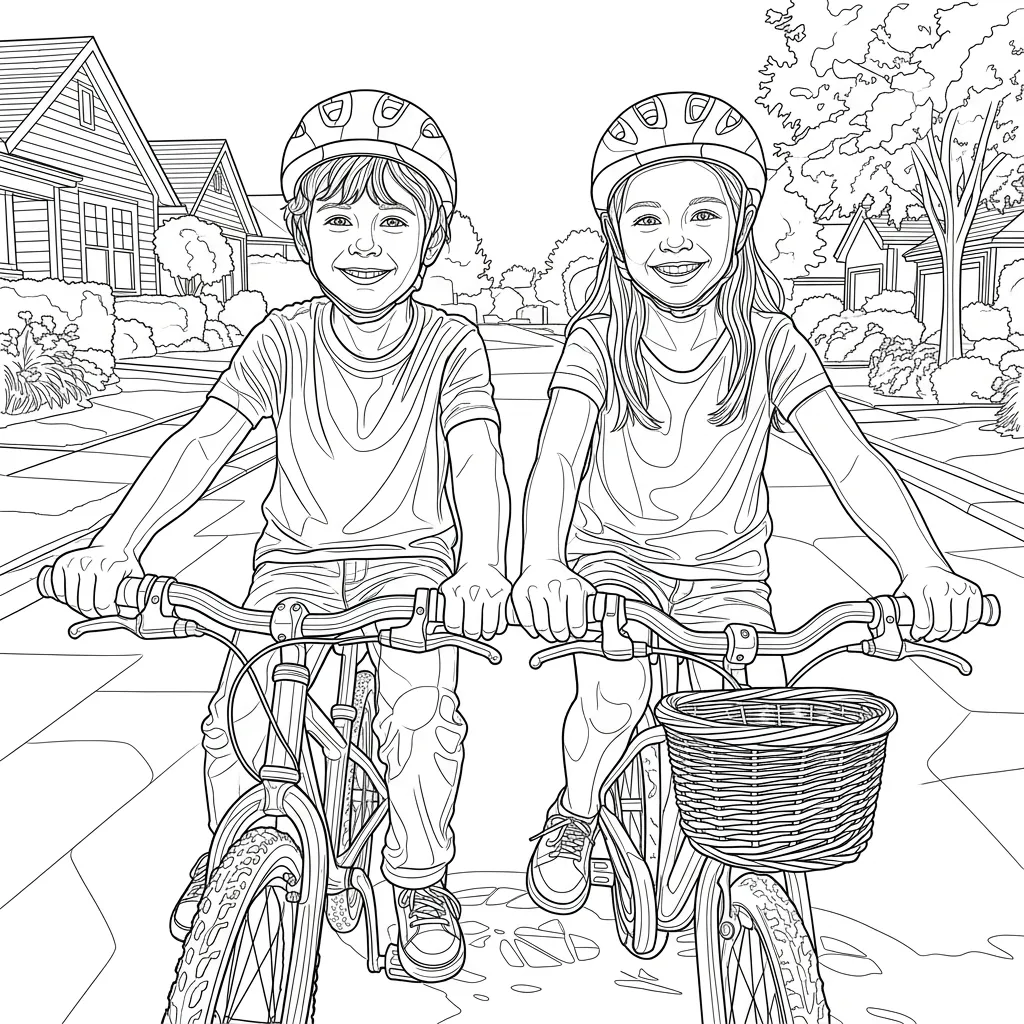
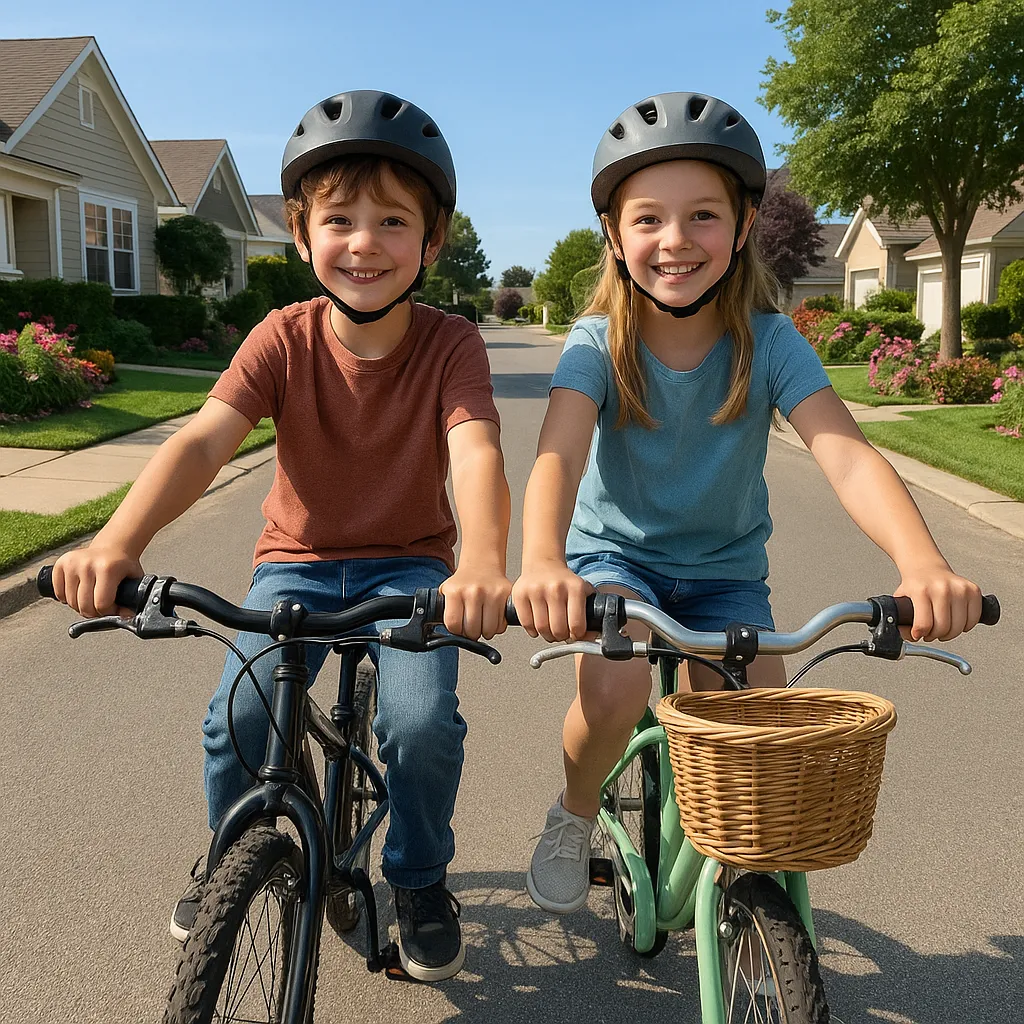
From photo to printable line art in seconds
Pikolor's AI coloring page generator analyzes your photo, keeps what makes it recognizable — faces, pets, favorite places — and redraws it as crisp black-and-white outlines ready for crayons and markers.
The result is a real coloring page, not a washed-out photo filter: clean lines, white background, and a layout that prints beautifully on A4 or letter paper.
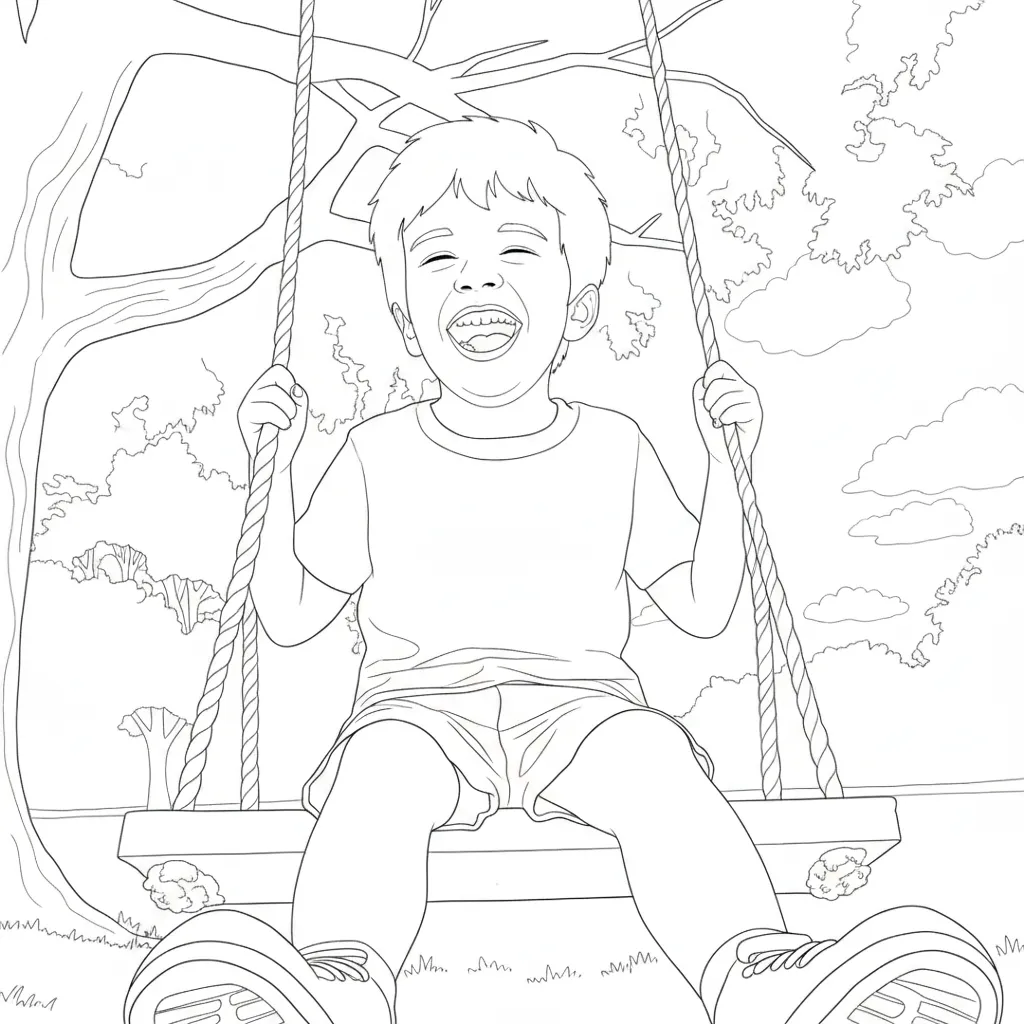
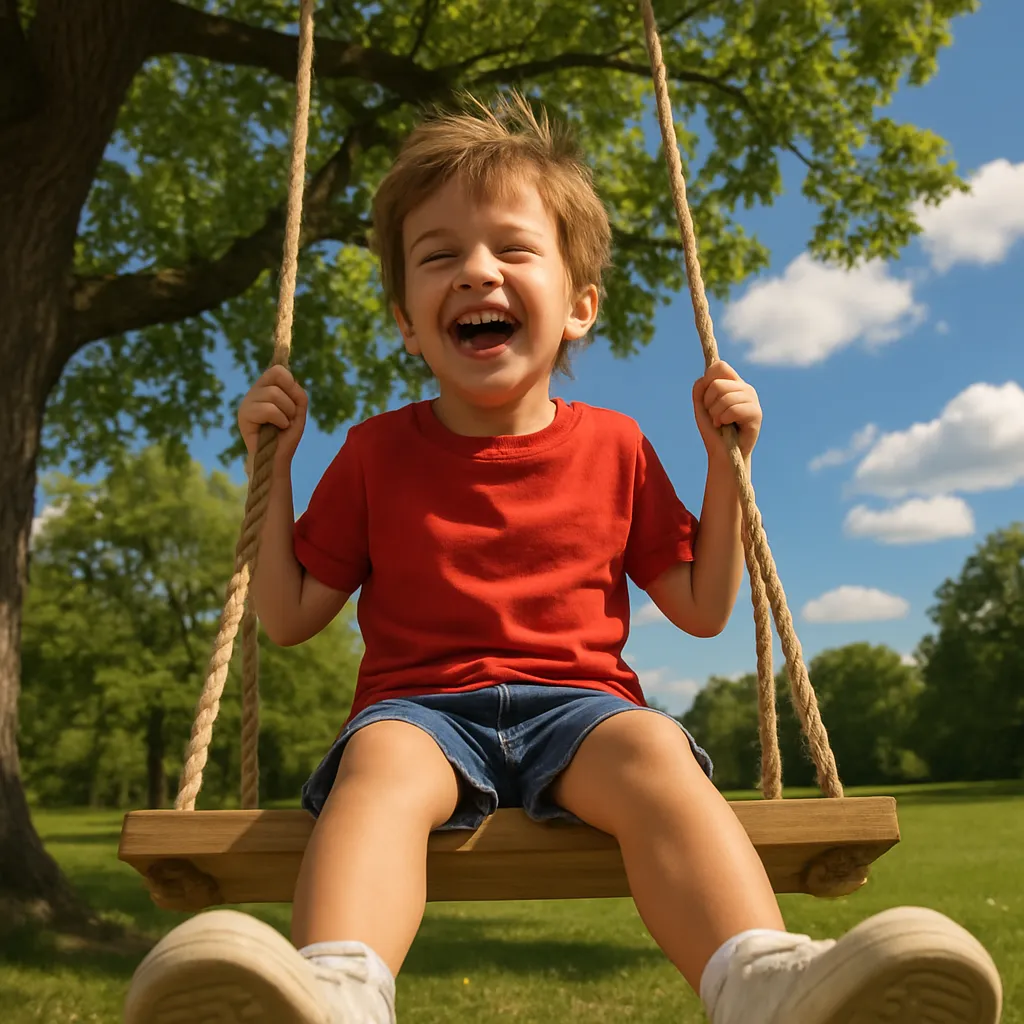
Personalized coloring pages your kids will love
Coloring pages of their own dog, their family or their last birthday party beat any generic printable. Personalized coloring pages turn everyday photos into a screen-free activity kids actually ask for.
Parents and teachers use Pikolor for rainy-day activities, classroom projects, party favors and thoughtful handmade gifts — one photo is all it takes.
Which coloring page style should you choose?
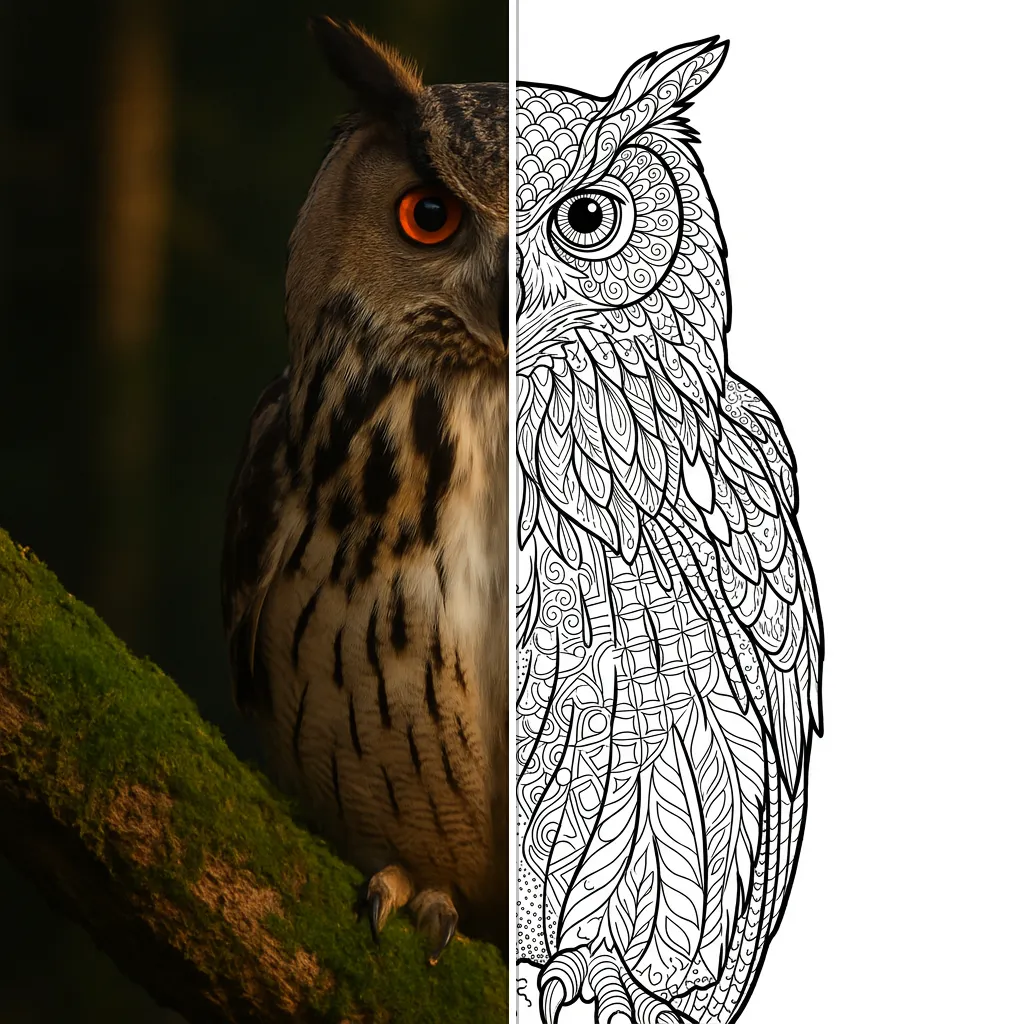
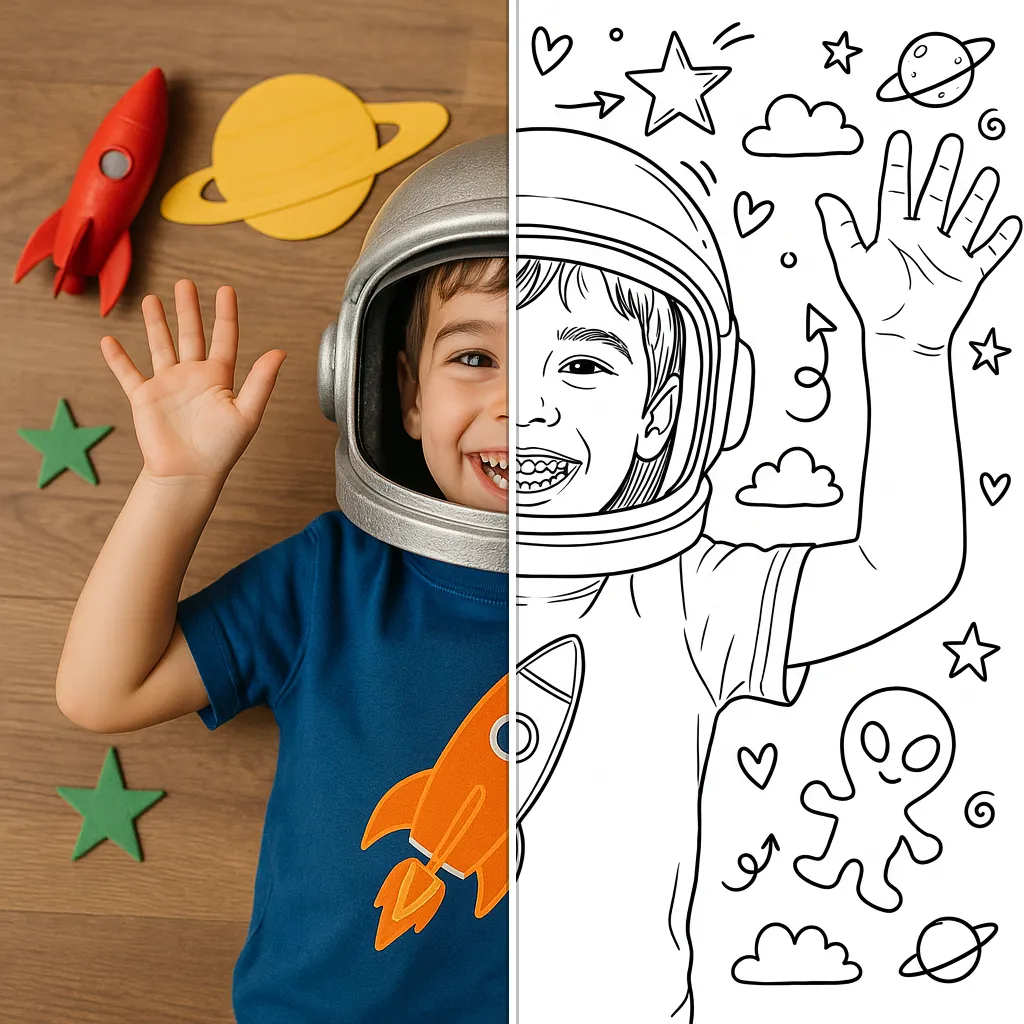
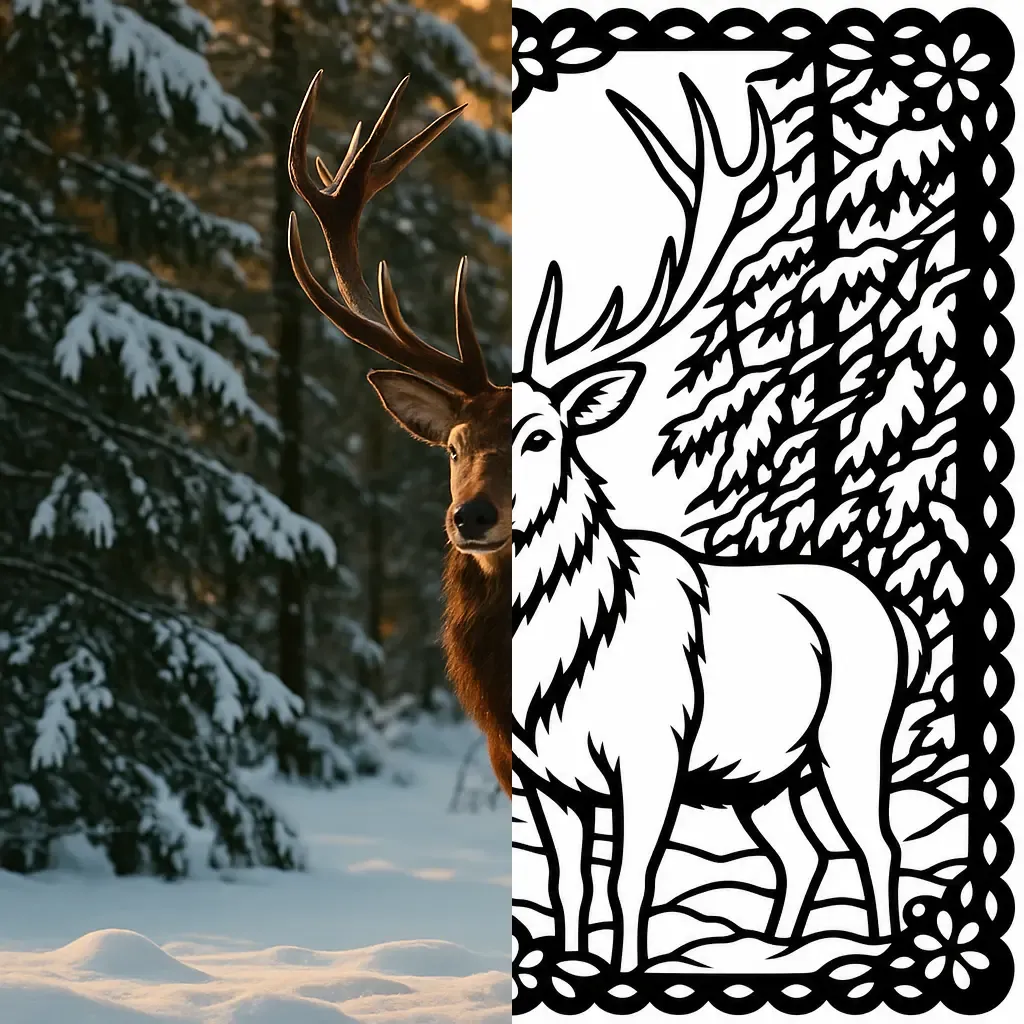
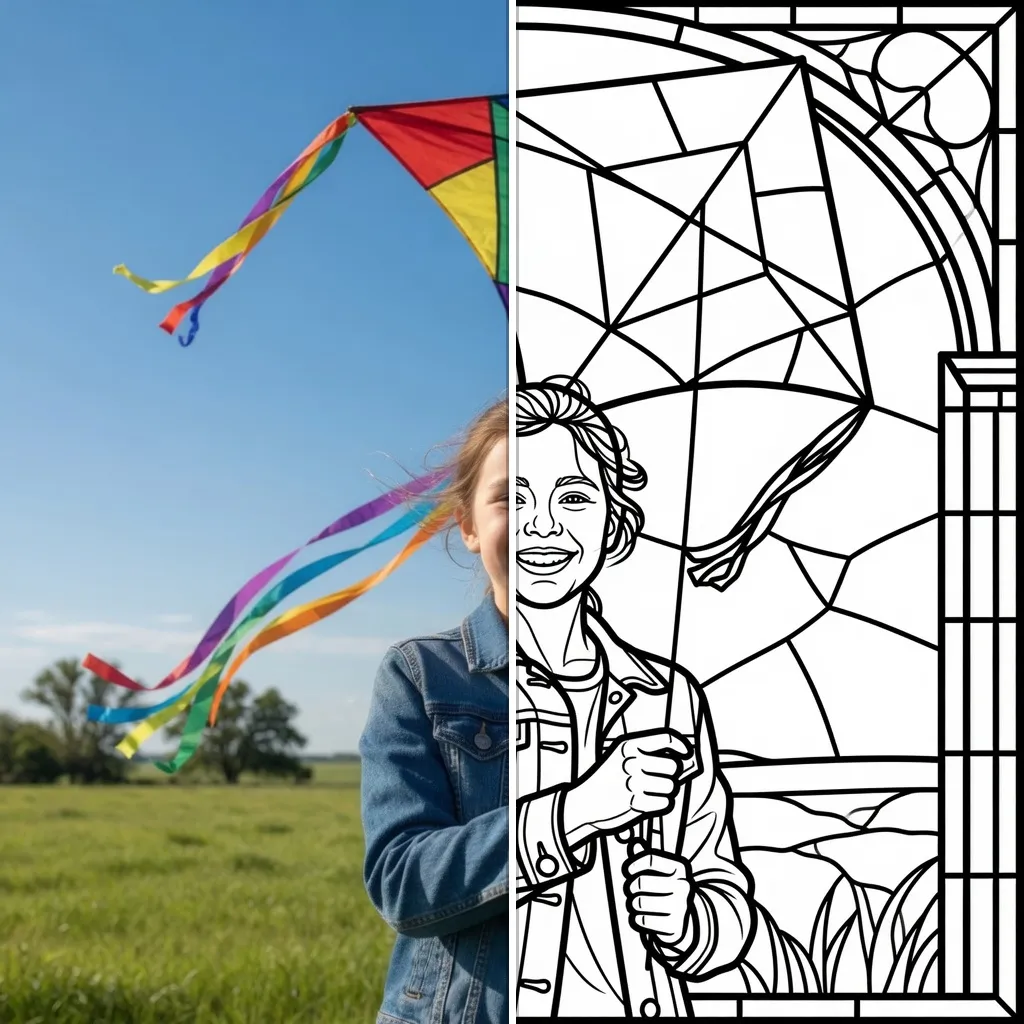
Detailed keeps every element of the photo for focused colorists, Simple and Minimalist give toddlers big easy zones, while Mandala and Zentangle turn your picture into relaxing adult coloring art. Compare them below and pick your favorite:
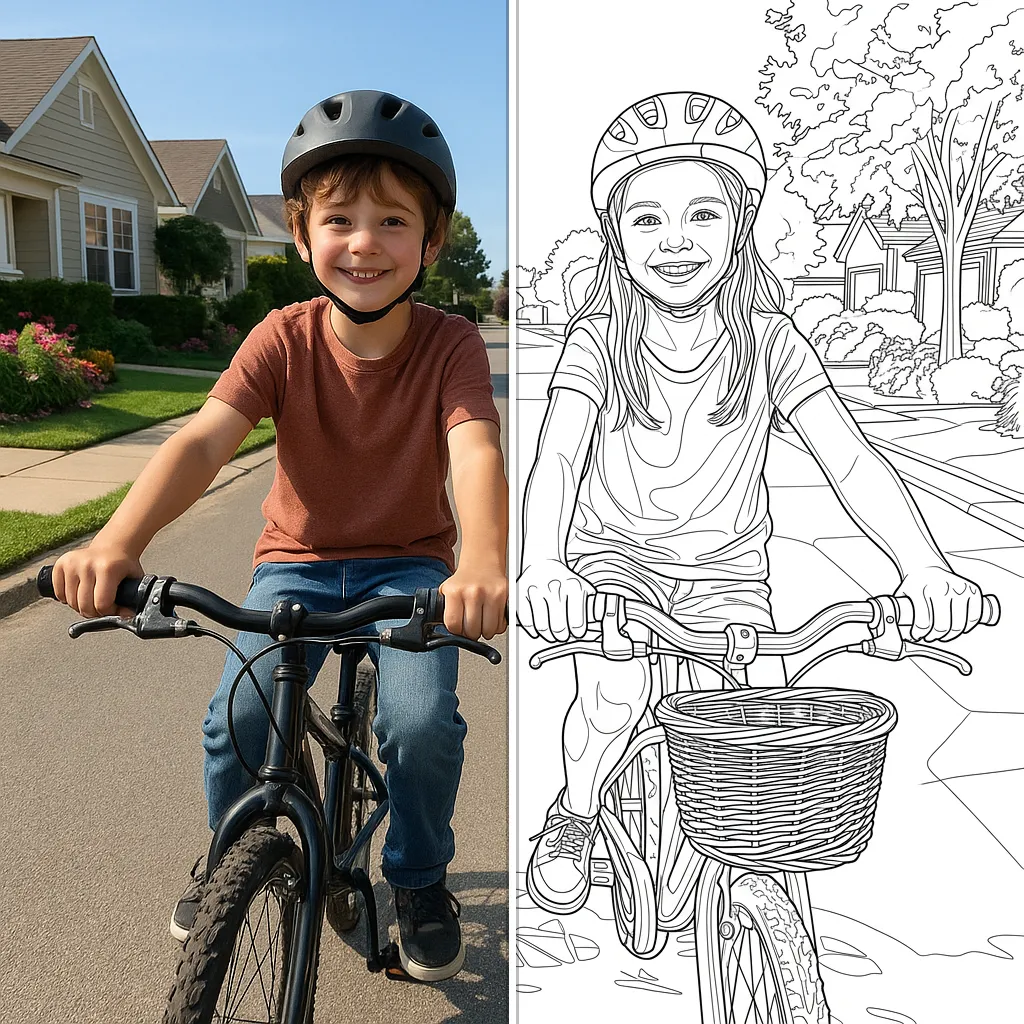
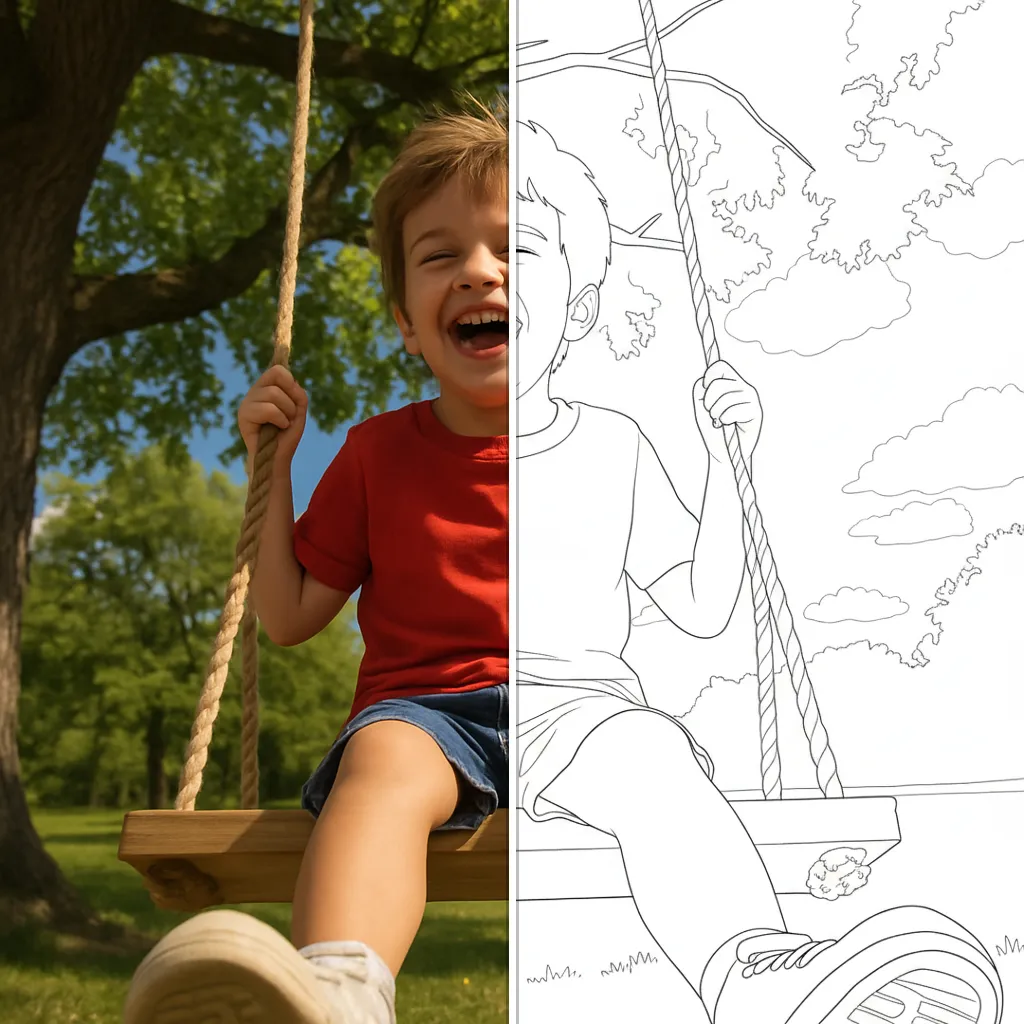
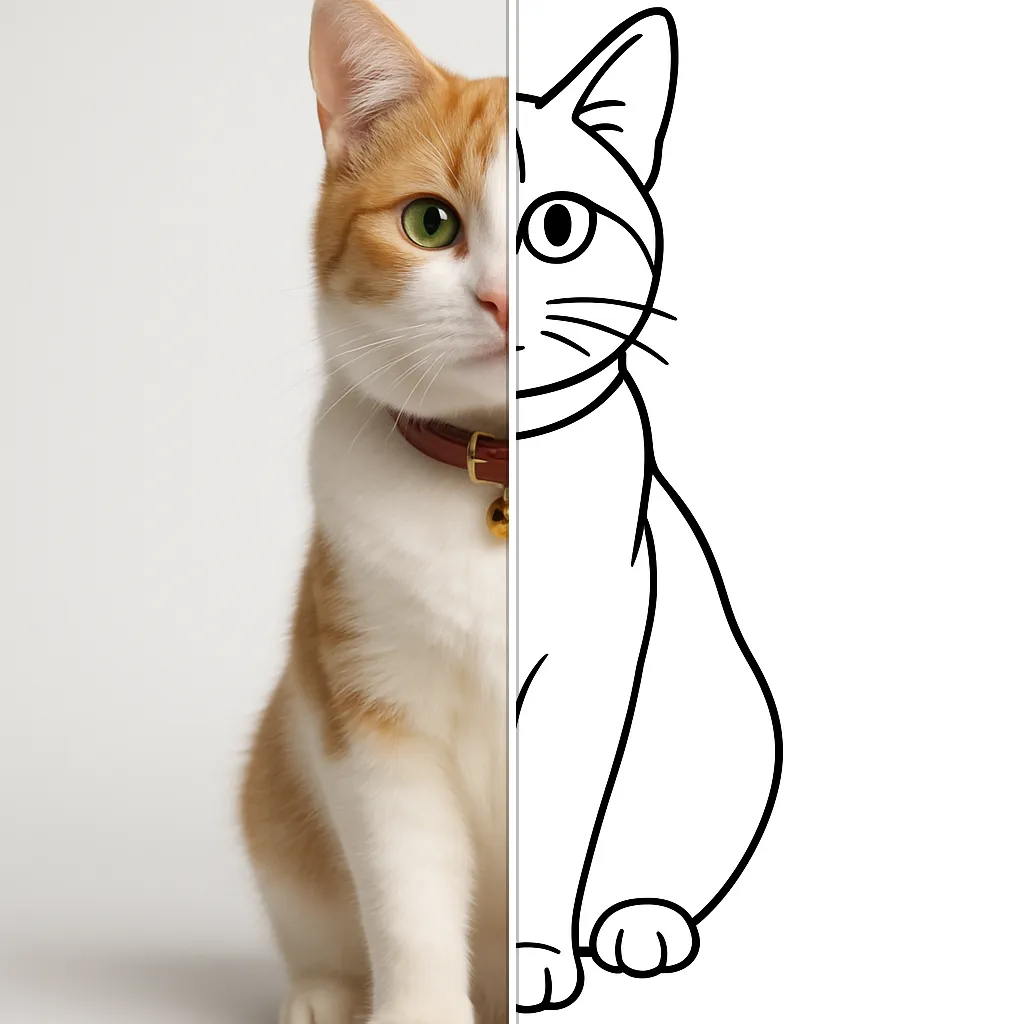
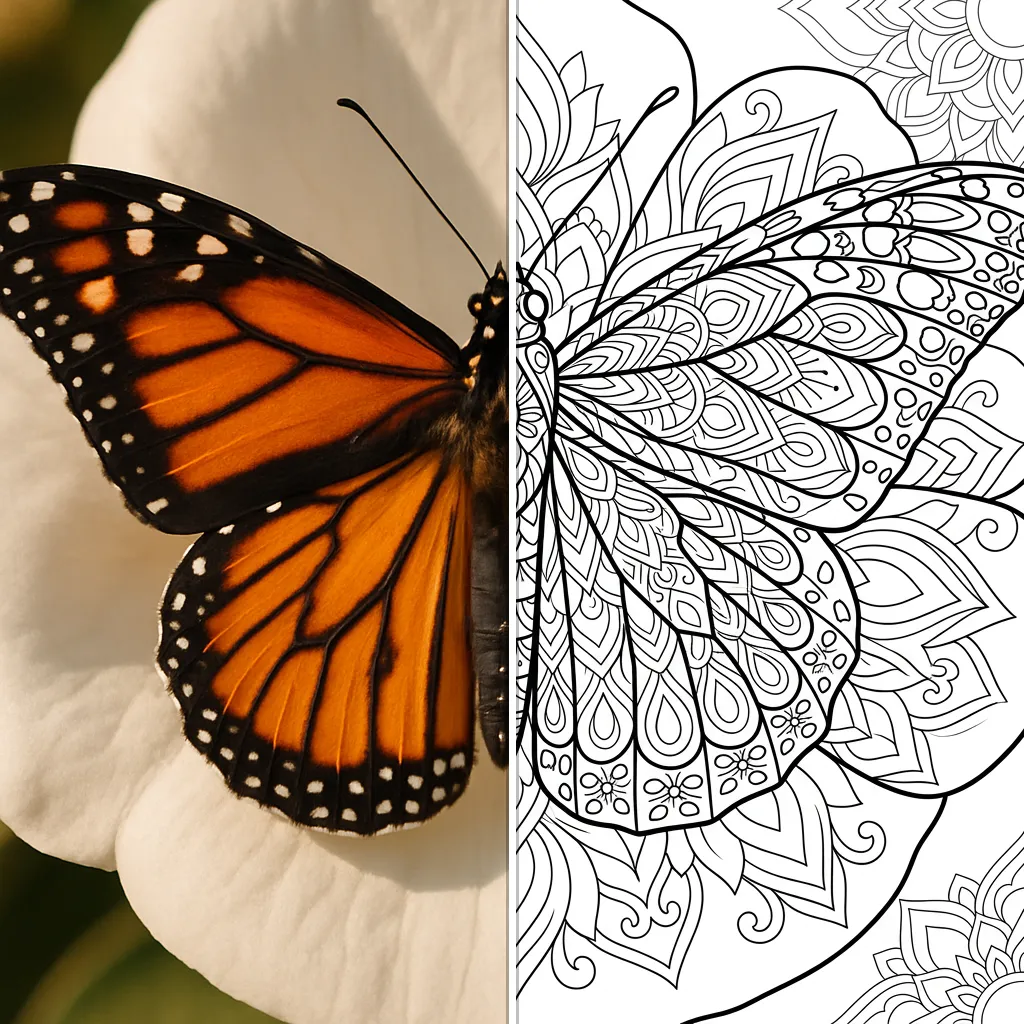
Explore each style page for examples, tips and a live demo.
How to turn a photo into a coloring page
Upload a photo
Pick any picture — kids, pets, vacations. Clear subjects and good lighting give the cleanest lines.
The AI draws the coloring page
In seconds, Pikolor converts your photo into clean black-and-white line art in the style you chose.
Print and color
Download your coloring page, print it at home or school, and grab the crayons.
Frequently Asked Questions
Create your first coloring page now
Free to try, no account needed. Upload a photo and see it become a coloring page in seconds.